1
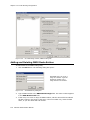
Setting VoIP Codec Profiles
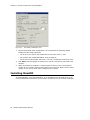
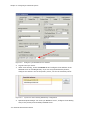
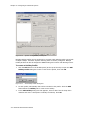
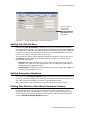
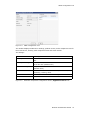
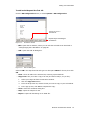
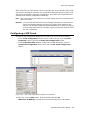
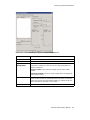
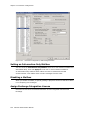
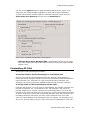
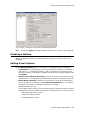
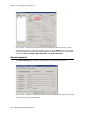
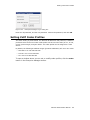
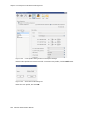
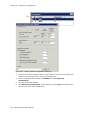
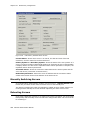
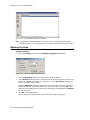
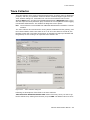
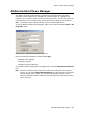
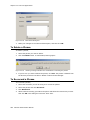
Figure 19-3.
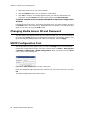
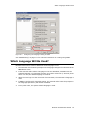
Enterprise Manager Log-in dialog box
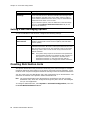
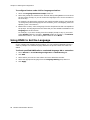
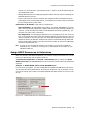
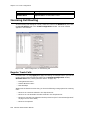
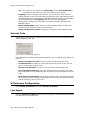
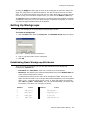
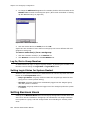
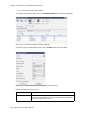
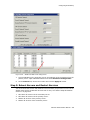
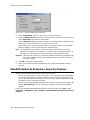
Enter the old password, and the new password. Confirm the password, and click OK.
Setting VoIP Codec Profiles
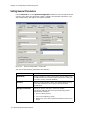
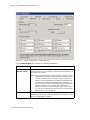
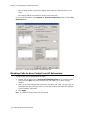
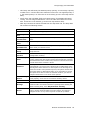
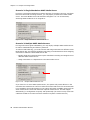
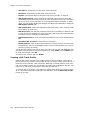
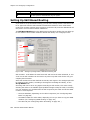
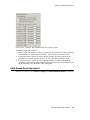
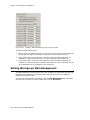
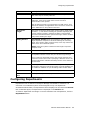
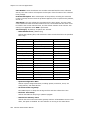
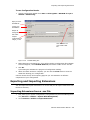
The codec setting is profile-based. For different IP addresses and protocols, a different
preferred codec can be used. Each codec profile can have its own codec (G.711, G.723,
G.729), packet length, and jitter buffer. The codec profile can be assigned to a VoIP
device.
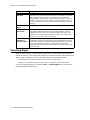
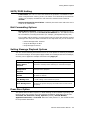
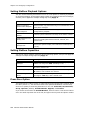
By default, the following IP address ranges (private IP addresses) will use G.711 codec:
• 192.168.0.0 to 192.168.255.255
• 172.16.0.0 to 172.31.255.255
• 10.0.0.0 to 10.255.255.255
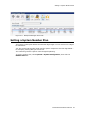
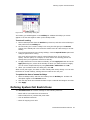
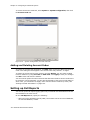
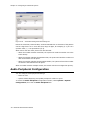
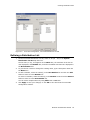
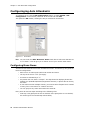
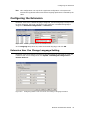
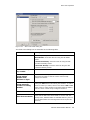
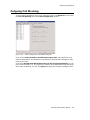
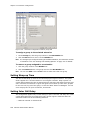
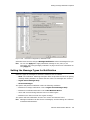
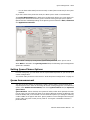
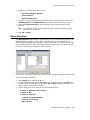
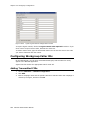
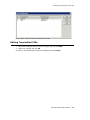
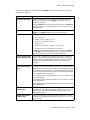
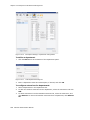
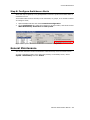
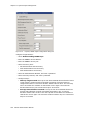
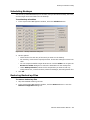
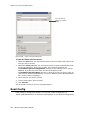
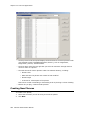
To open a window where you can set or modify codec profiles, click the Codec
button in the Enterprise Manager toolbar.
MaxACD Administrator Manual
191