1
Eco copy
Copy
29
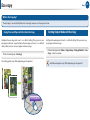
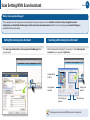
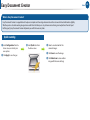
What is Eco Copying?
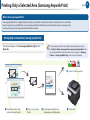
The Eco Copy is an eco-friendly feature to save copy resources such as paper or toner.
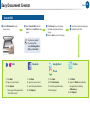
Saving Toner and Paper with One-Touch Eco Copy
Configure the eco copy and save it as a default setting. Then you can save
your paper and toner usage.Configure the eco copy and save it as a default
setting. Then you can save your paper and toner usage.
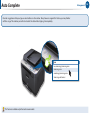
Printer’s control panel > Eco Copy
The setting option may differ depending on the product.
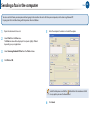
Setting Output Mode with Eco Copy
Configure the eco copy and save it as a default setting. Then you can save
your paper and toner usage.
P
rinter’s control panel > Menu > Copy Setup > Change Default > Eco
Copy > Select an option.
Available eco options may differ depending on the product.