1
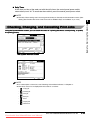
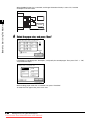
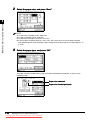
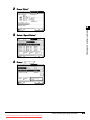
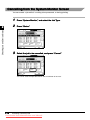
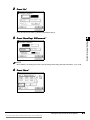
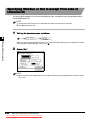
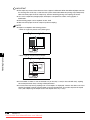
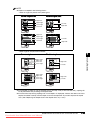
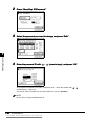
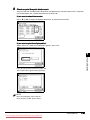
l To cancel a job in the spooler:
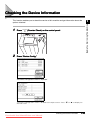
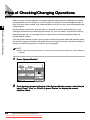
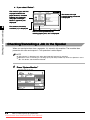
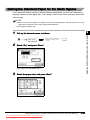
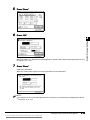
Press “Status.”
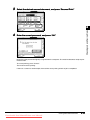
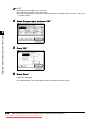
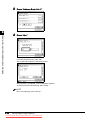
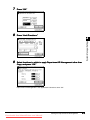
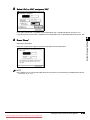
Select the job you want to cancel → press “Cancel.”
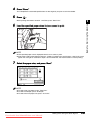
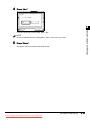
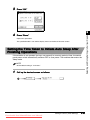
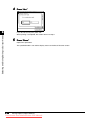
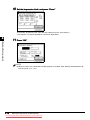
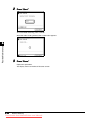
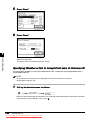
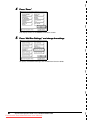
Press “Yes.”
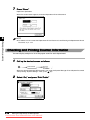
Checking Job and Device Status
2
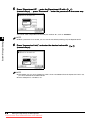
If you do not want to cancel the job, press “No.”
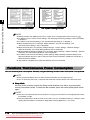
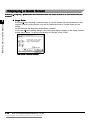
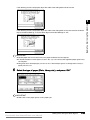
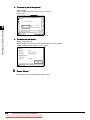
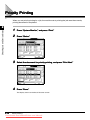
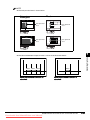
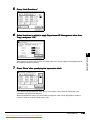
l To check the job details:
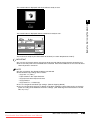
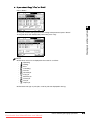
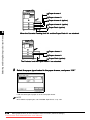
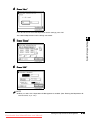
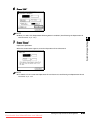
Select “Status” or “Log.”
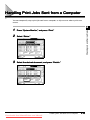
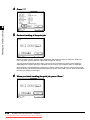
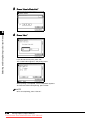
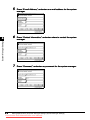
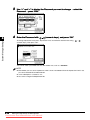
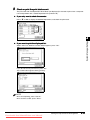
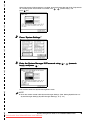
Select the job you want to view more details about → press “Details.”
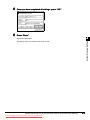
Check the detailed information → press “Done.”
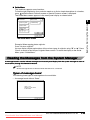
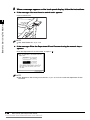
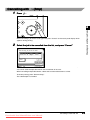
5
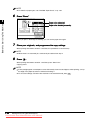
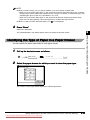
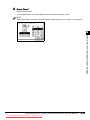
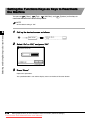
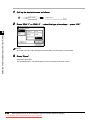
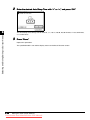
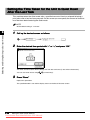
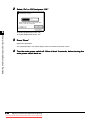
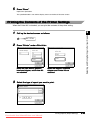
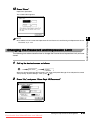
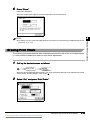
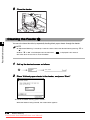
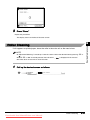
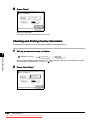
Press “Done.”
The display returns to the Basic Features screen.
2-6
Flow of Checking/Changing Operations
Downloaded from ManualsPrinter.com Manuals