1
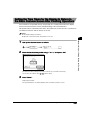
Operations Before Using Copy, Fax, or Mail Box
Functions
1
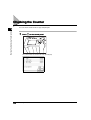
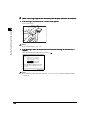
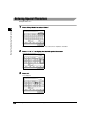
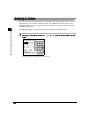
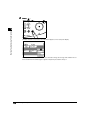
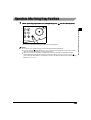
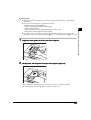
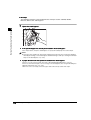
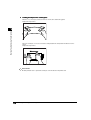
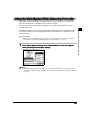
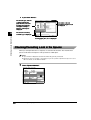
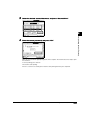
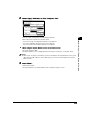
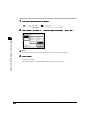
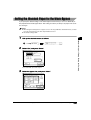
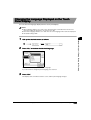
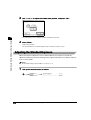
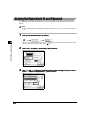
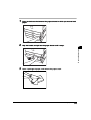
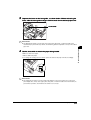
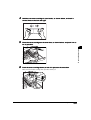
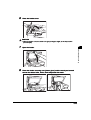
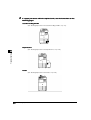
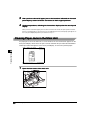
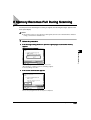
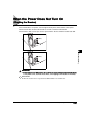
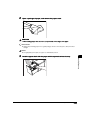
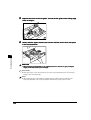
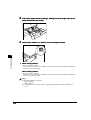
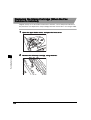
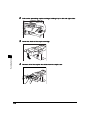
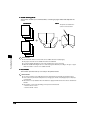
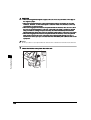
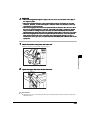
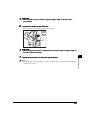
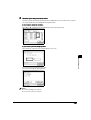
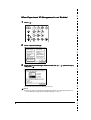
Inser t the control card into the card slot, making sure it is facing in the
correct direction.
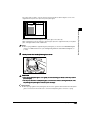
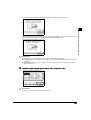
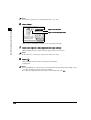
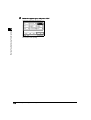
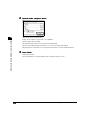
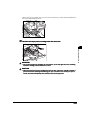
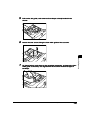
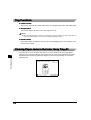
The Basic Features screen of the selected function appears on the touch panel display.
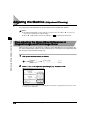
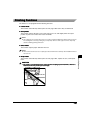
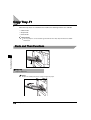
Handling Options
7
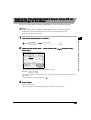
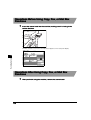
Operations After Using Copy, Fax, or Mail Box
Functions
1
7-80
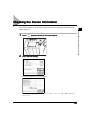
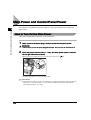
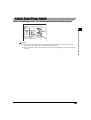
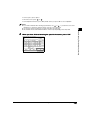
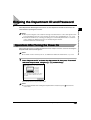
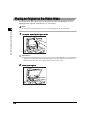
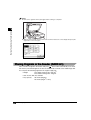
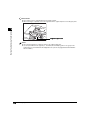
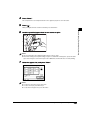
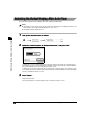
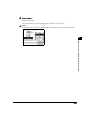
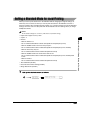
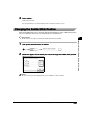
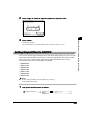
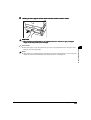
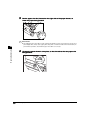
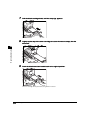
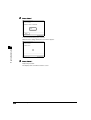
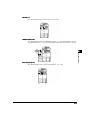
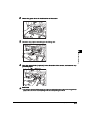
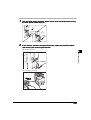
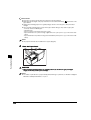
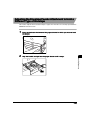
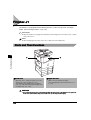
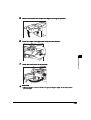
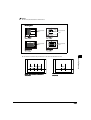
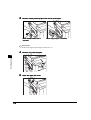
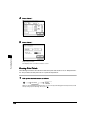
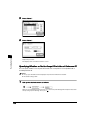
After you finish using the machine, remove the control card.
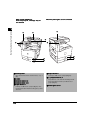
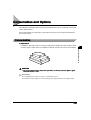
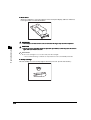
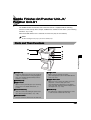
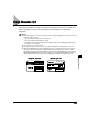
Card Reader-C1