1
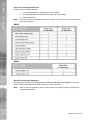
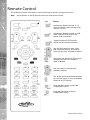
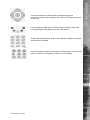
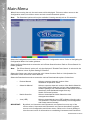
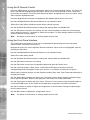
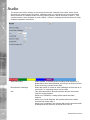
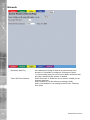
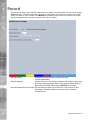
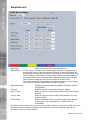
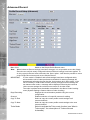
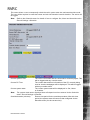
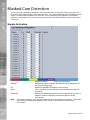
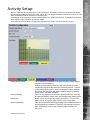
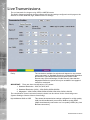
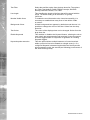
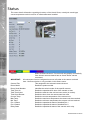
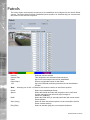
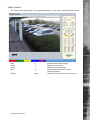
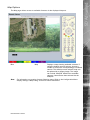
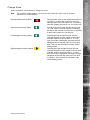
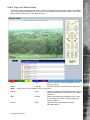
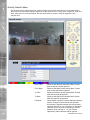
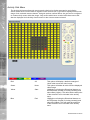
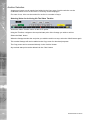
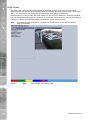
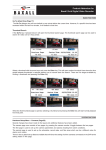
Utilise the buttons shown below to change the scale.
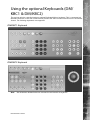
Note: The coloured softkey buttons can also be used to alter the scale, refer to “Softkey
Guidance” for further details).
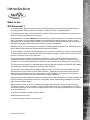
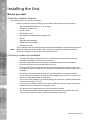
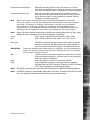
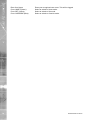
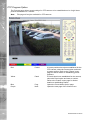
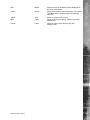
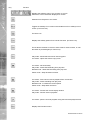
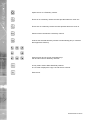
Decrease Scale button (Red)
Decreases the scale of the displayed timeline by
one step i.e. if the scale is currently one hour,
selecting this button will reduce it to 15 minutes,
selecting it again will reduce it to one minute etc.
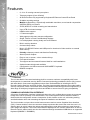
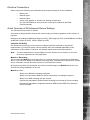
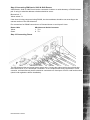
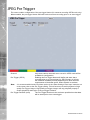
Increase Scale button (Blue)
Increases the scale of the timeline by one step
i.e. if the scale is currently one hour, selecting
this button will increase it to four hours, selecting
it again will increase it to one day etc.
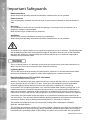
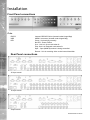
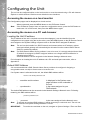
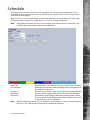
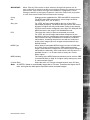
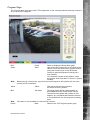
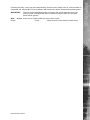
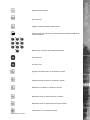
Left Navigation Arrow (Green)
Selecting the left navigation arrow will play
recorded images from the maximum prior time
available via the current timeline i.e. if a one
hour time scale is displayed, selecting the Left
Navigation Arrow will play video from one hour
prior. This can also be selected via the Green
softkey button.
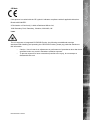
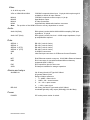
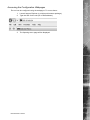
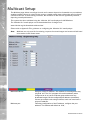
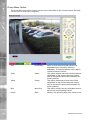
Right Navigation Arrow (Yellow)
Selecting the right navigation arrow will play
recorded images from the maximum future time
available via the current timeline i.e. if a one
hour time scale is displayed, selecting the Right
Navigation Arrow will play video from one hour
in advance. This can also be selected via the
Yellow softkey button.
Dedicated Micros ©2010
SD Advanced
Change Scale
153