1
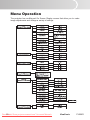
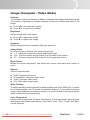
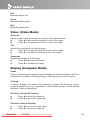
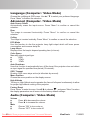
How to operate 1. Press Menu button to open the OSD menu. 2. When OSD is displayed, use / buttons to select any feature in the main menu. After selecting the desired main menu feature, press button to enter sub-menu for feature setting. 3. Adjust the settings with / buttons. 4. To return to the main menu, toggle button. 5. To exit OSD, press Menu button. The OSD menu will close and the projector will automatically save the new settings. To exit OSD from the sub-menu, press Enter button. ViewSonic PJ556D Downloaded From projector-manual.com Viewsonic Manuals 20