1
Personalizing Your Phone
Configuring the DTMF Mode
You want to decide whether the DTMF mode is to be activated or deactivated as default on your phone.
This setting can be made in the configuration mode.
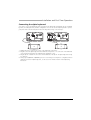
<long>
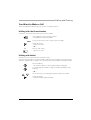
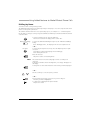
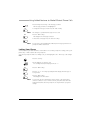
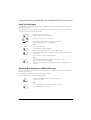
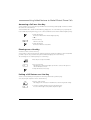
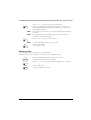
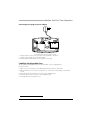
Press the Menu key and hold it down for a moment.
The configuration mode is now activated.
Press the Menu key repeatedly until the display shows "DTMF".
DTMF
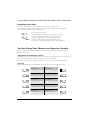
Press the "DTMF" Foxkey.
v
Use the "v" or "V" Foxkey to activate or deactivate the DTMF mode.
V
OK
Press the "OK" Foxkey.
The setting is stored.
Selecting the Language
The display text is not in the language you want.
You can select a different language in the configuration mode. The menu item under which you select
your language is marked by an "*" in front of the word for "language" in the language of your choice,
e.g. "*Language" for English.
Situation
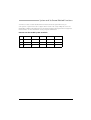
<long>
German is set as the language on your phone.
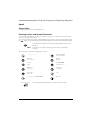
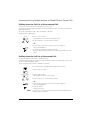
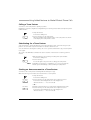
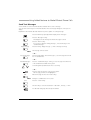
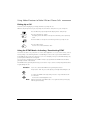
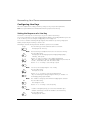
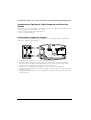
Press the Menu key and hold it down for a moment.
The configuration mode is now activated.
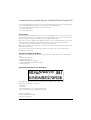
Press the Menu key repeatedly until the display shows "*Language".
*Language
Press the "*Language" Foxkey.
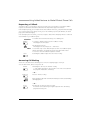
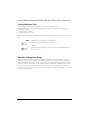
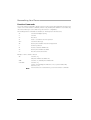
The display shows an overview of the language selection. The set language
is displayed with "Sprache, Language, Langue; Lingua: Deutsch".
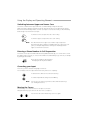
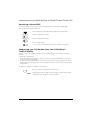
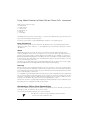
Use the scroll keys to select the language you want, e.g. "English".
– or –
Use the entry selection key to select the language you want.
OK
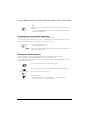
Press the "OK" Foxkey.
The display text appears in your selected language.
51