1
30
Installing and Administering Amanda@SOHO
If a user wants to create a menu, you might need to create some informational mailboxes
for him. Otherwise, he must use existing mailboxes.
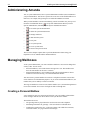
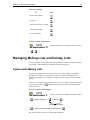
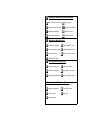
To create a menu for an informational mailbox:
(as that mailbox) (For login instructions, see “Logging into Amanda” on page 7.)
+
+
the digit (0-9)
to be assigned
+ the mailbox that Amanda +
calls for that digit
(Amanda repeats
both the option and
mailbox numbers)
repeat for each option on the menu
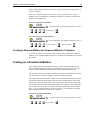
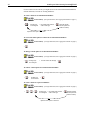
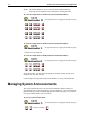
To review the menu options in a menu for an informational mailbox:
(as that mailbox)
(For login instructions, see “Logging into Amanda” on page 7.)
+
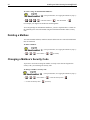
To change a menu option for an informational mailbox:
(as that mailbox)
+
+ the digit (0-9)
to be changed
+
(For login instructions, see “Logging into Amanda” on page 7.)
the new mailbox for that digit +
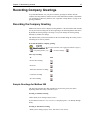
To remove a menu option for an informational mailbox:
(as that mailbox)
+
+
the digit (0-9)
to be removed
(For login instructions, see “Logging into Amanda” on page 7.)
+
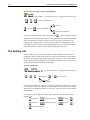
To create a menu for a personal mailbox:
(as that mailbox)
+
+
+
+
(For login instructions, see “Logging into Amanda” on page 7.)
the digit (0-9) + the mailbox that Amanda +
to be assigned
calls for that digit
repeat for each option on the menu
(Amanda repeats
both the option and
mailbox numbers)