1
!!install_arp27_Eng.book
16 ページ
2007年1月11日 木曜日 午前9時7分
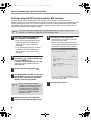
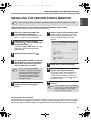
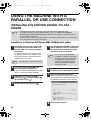
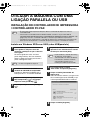
USING THE MACHINE WITH A PARALLEL OR USB CONNECTION
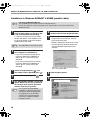
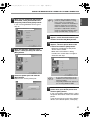
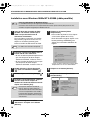
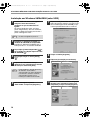
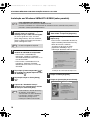
Installation in Windows 98/Me/NT 4.0/2000 (parallel cable)
Note
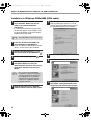
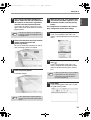
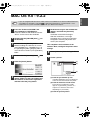
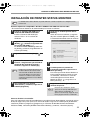
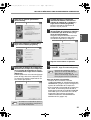
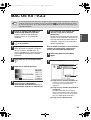
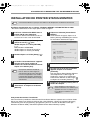
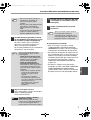
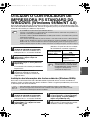
1
3
The CD-ROM does not include software for Windows NT 4.0.
Contact your dealer or nearest authorized service representative if you want the software for
Windows NT 4.0.
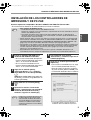
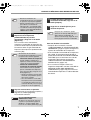
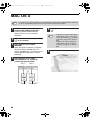
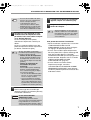
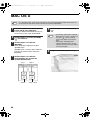
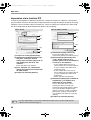
The parallel cable must not be connected
to the machine. Make sure that the cable
is not connected before proceeding.
If a cable is connected, a Plug and Play
window will appear. If this happens, click
the [Cancel] button to close the window
and disconnect the cable.
Note
2
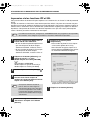
For users of Windows NT 4.0
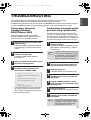
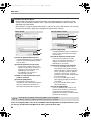
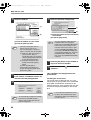
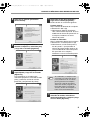
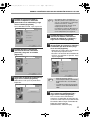
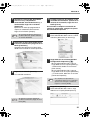
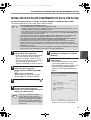
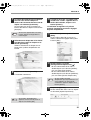
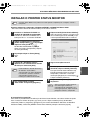
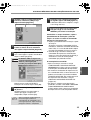
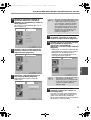
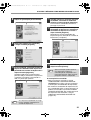
Read the message in the "Welcome"
window and then click the [Next] button.
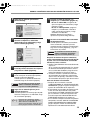
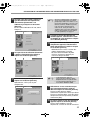
7
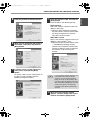
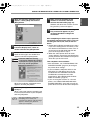
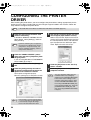
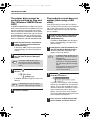
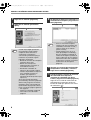
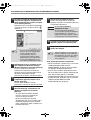
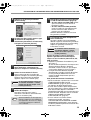
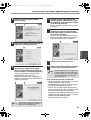
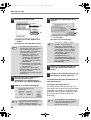
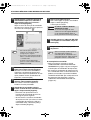
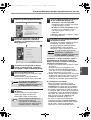
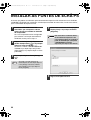
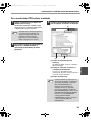
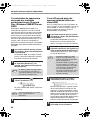
Click the [Printer Driver] button.
• To install the PC-Fax driver, click the
[PC-Fax Driver] button.
• Before installing the software, be sure to
click the [Display Readme] button and
view the detailed information on the
software.
The cable will be connected in step 20.
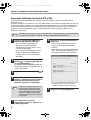
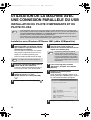
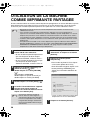
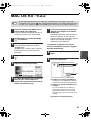
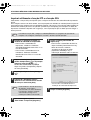
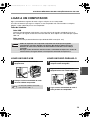
Insert the "Software CD-ROM" into
your computer's CD-ROM drive.
• If you are installing the printer driver,
insert the "Software CD-ROM" that
shows "Disc 1" on the front of the
CD-ROM.
• If you are installing the PC-Fax driver,
insert the "Software CD-ROM" that
shows "Disc 2" on the front of the
CD-ROM.
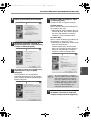
Double-click [My Computer] ( ), and
then double-click the [CD-ROM] icon (
* The above screen appears when the printer
driver is being installed.
).
4
Double-click the [Setup] icon (
5
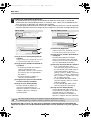
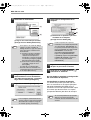
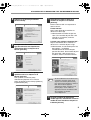
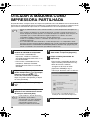
The "SOFTWARE LICENSE" window will
appear. Make sure that you understand
the contents of the license agreement
and then click the [Yes] button.
Note
16
6
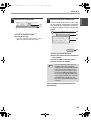
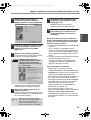
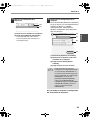
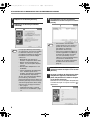
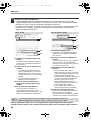
8
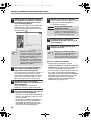
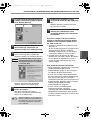
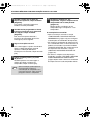
Click the [Next] button.
9
Click the [Custom installation] button.
).
You can show the "SOFTWARE
LICENSE" in a different language by
selecting the desired language from
the language menu. To install the
software in the selected language,
continue the installation with that
language selected.























![2 Fare clic sul pulsante [start]](http://vs1.manualzilla.com/store/data/006118559_1-173242b46b2c9da737019e0375b2825a-150x150.png)