1
!!install_arp27_Eng.book
27 ページ
2007年1月11日 木曜日 午前9時7分
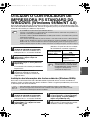
TROUBLESHOOTING
Printer driver cannot be
installed (Windows
2000/XP/Server 2003)
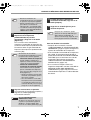
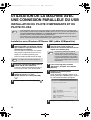
If the printer driver cannot be installed in
Windows 2000/XP/Server 2003, follow these
steps to check your computer's settings.
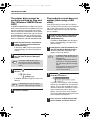
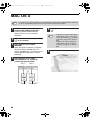
Another printer is using the parallel
port (when using a parallel cable)
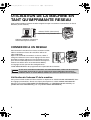
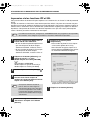
If another printer is using the parallel port and
printing is not possible using the machine, follow
the steps below to change the port setting of the
other printer driver, and make sure that the port of
the printer driver for the machine is set to LPT1.
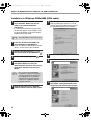
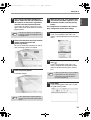
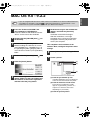
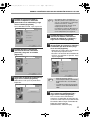
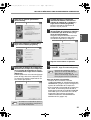
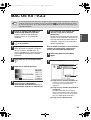
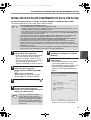
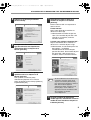
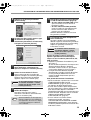
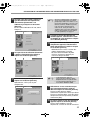
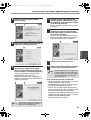
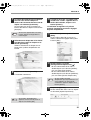
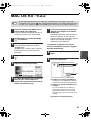
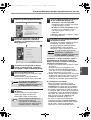
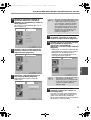
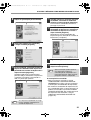
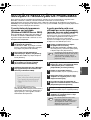
1
Click the [start] button and then click
[Control Panel].
In Windows 2000, click the [Start] button,
select [Settings], and then click [Control
Panel].
2
Click [Performance and Maintenance],
and then click [System].
In Windows 2000, double-click the
[System] icon.
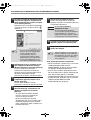
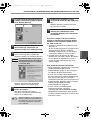
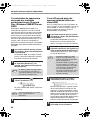
3
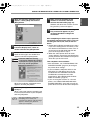
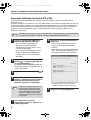
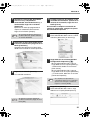
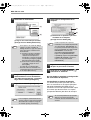
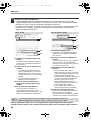
Click the [Hardware] tab and then click
the [Driver Signing] button.
2
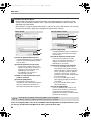
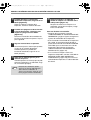
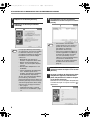
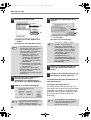
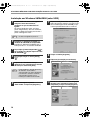
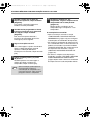
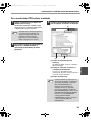
4
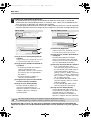
Check [What action do you want
Windows to take?] ([File signature
verification] in Windows 2000).
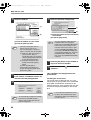
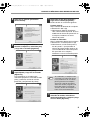
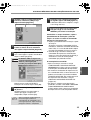
Click the icon of the printer driver for which
you wish to change the port setting, and
select [Properties] from the [File] menu.
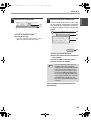
3
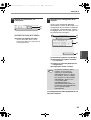
Click the [Ports] tab.
In Windows 98/Me, click the [Details] tab.
4
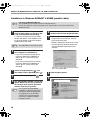
Select [FILE:] in the "Print to the
following port" list box, and click the
[OK] button.
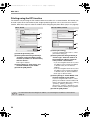
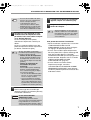
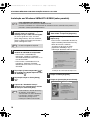
5
Click the "SHARP AR-XXXX" printer
driver icon and select [Properties] from
the [File] menu.
6
Click the [Ports] tab.
In Windows 98/Me, click the [Details] tab.
7
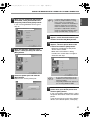
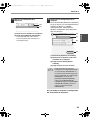
Select [LPT1] in the "Print to the
following port" list box, and click the
[OK] button.
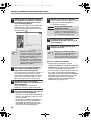
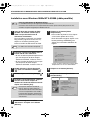
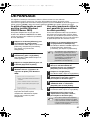
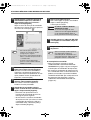
If the option [Block] has been selected, it
will not be possible to install the printer
driver. Select the option [Warn] and then
install the printer driver.
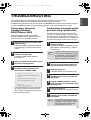
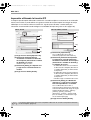
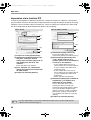
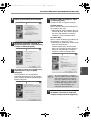
1
Click the [start] button and then click
[Printers and Faxes].
In Windows 98/Me/NT 4.0/2000, click the
[Start] button, select [Settings], and then
click [Printers].
Note
Note
If [Printers and Faxes] does not appear
in the [start] menu in Windows XP, click
the [start] button, click [Control Panel],
click [Printers and Other Hardware],
and then click [Printers and Faxes].
In the event that you need to use the
other printer, repeat the above steps to
set the port of the machine to "FILE:",
and change the port setting of the
other printer back to "LPT1".
27
ENGLISH
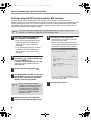
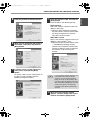
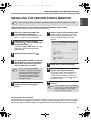
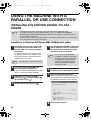
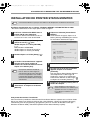
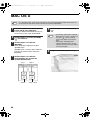
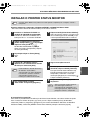
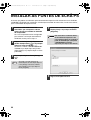
If the software does not install correctly, check the following items on your computer.
To remove the software, see "Removing the software" in the online manual.
Troubleshooting information can also be found in the README files for each of the software programs.
To view a README file, click the [Display Readme] button in the "Software Selection" screen.





























![2 Fare clic sul pulsante [start]](http://vs1.manualzilla.com/store/data/006118559_1-173242b46b2c9da737019e0375b2825a-150x150.png)