1
4.12 Service Call Error
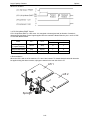
When certain machine problems occur these message will appear in the LCD.
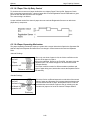
4.12.1 Call For Service
Symptom: “Call For Service” is in the LCD.
Suggested corrective action:
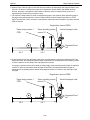
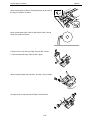
1. Verify the lamp turns on when the book cover open and close.
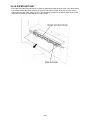
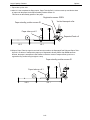
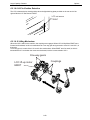
2. If the lamp turns on, check the back ground seal surface dirt. If dirty, clean the back ground seal. The
back ground seal is attached on the inner guide B.
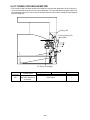
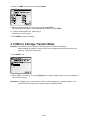
3. Verify the mirror carriage moves normally. (See “Mirror carriage error”, page 4-2)
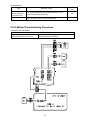
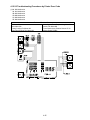
4. If during step 1 the lamp did not turn on, check the following connection:
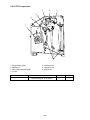
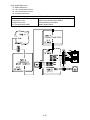
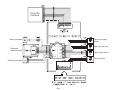
• Lamp assembly to the Inverter PCB (CN2)
• Inverter PCB (CN1) to the Harness to the main control PCB (P13)
5. Replace the lamp and/or the Inverter PCB.
4.12.2 Please Call Service
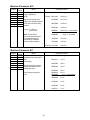
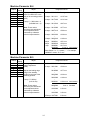
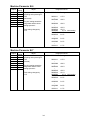
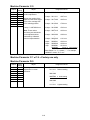
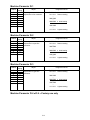
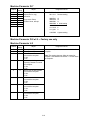
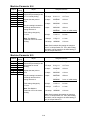
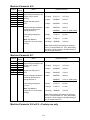
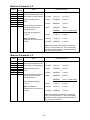
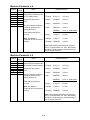
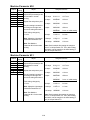
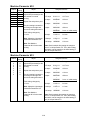
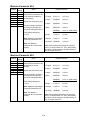
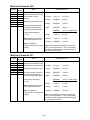
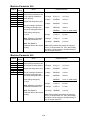
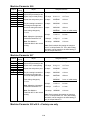
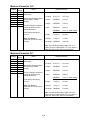
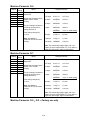
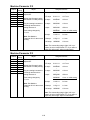
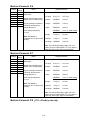
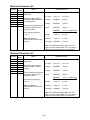
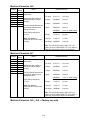
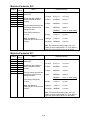
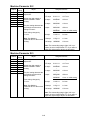
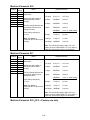
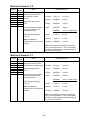
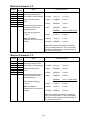
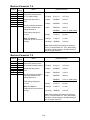
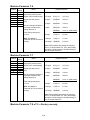
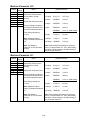
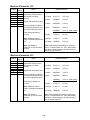
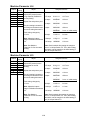
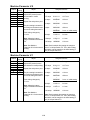
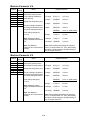
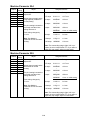
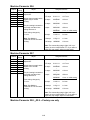
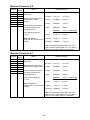
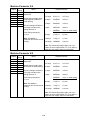
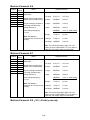
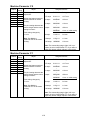
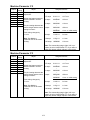
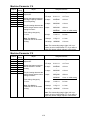
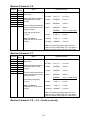
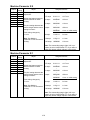
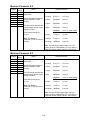
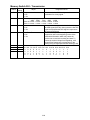
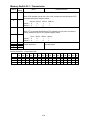
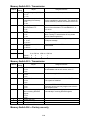
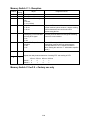
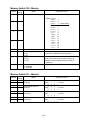
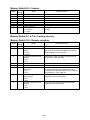
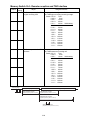
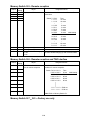
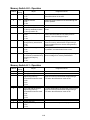
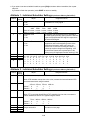
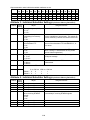
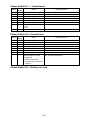
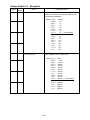
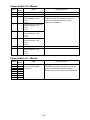
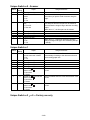
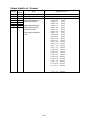
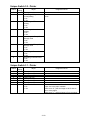
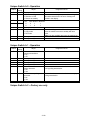
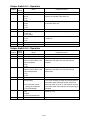
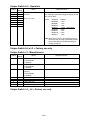
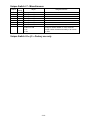
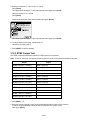
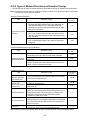
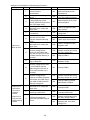
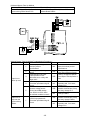
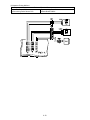
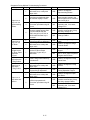
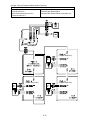
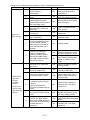
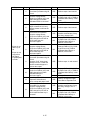
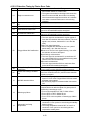
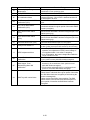
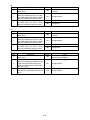
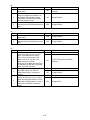
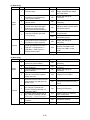
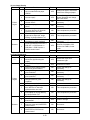
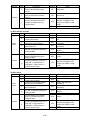
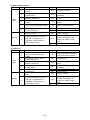
This machine CPU has a function that self-diagnoses the printer conditions. On detection of a malfunction,
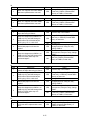
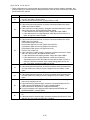
the corresponding error code representing a particular malfunction name, location, and details as listed on
next page is displayed on the LCD together with a “Please Call Service” message. (Such as “Please Call
Service: 01”)
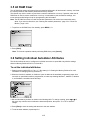
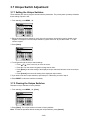
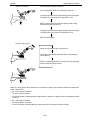
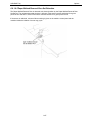
• Perform the following steps to reset the printer trouble code.
Malfunction Resetting Procedure
This mode clears the service call. Perform this operation after solved the trouble.
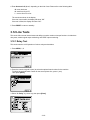
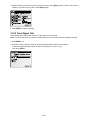
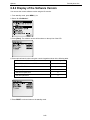
1. Press MENU, [, M.
2. Press [Enter]. The service call will be cleared and the machine will return to standby.
Note: To finish the operation without performing clearing, press [Cancel].
4-22