1
The Setup Menu
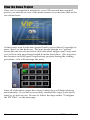
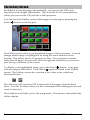
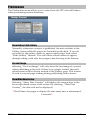
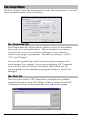
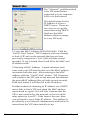
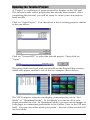
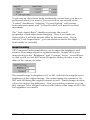
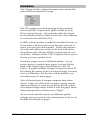
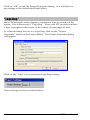
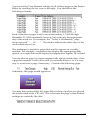
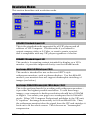
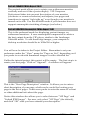
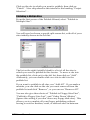
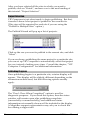
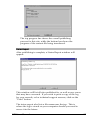
Click on “Setup” from the main menu to enter the setup menu. You will
see a window similar to the one below:
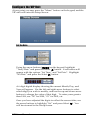
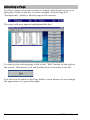
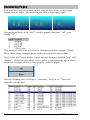
The “Preferences” Tab
The Preferences tab, shown above, allows you to set the default
font style, size, and justification. This saves time if you have a
favorite font, as you won’t have to change it every time you
create a new page or paragraph. The factory setting is “Arial”,
“20”, and “Center”.
You can also specify the exact location of project storage and
stock images; for example, if you are configuring VIP Composer
to run from a network server. Normally, these fields are set
automatically by the installation program and don’t need to be
changed.
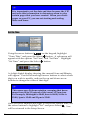
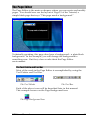
The “Sites” Tab
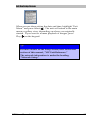
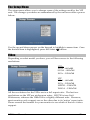
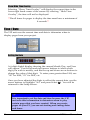
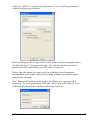
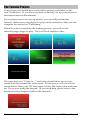
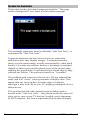
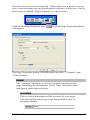
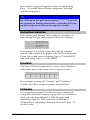
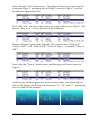
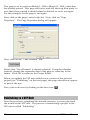
The sites tab is where VIP Composer is configured to publish
completed work to your VIP unit(s). When you first install VIP
Composer, the list of sites under the sites tab will be empty:
36
VIP User Manual