1
ZyWALL SSL 10 Support Notes
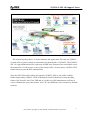
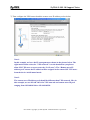
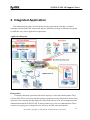
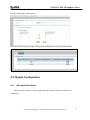
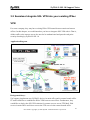
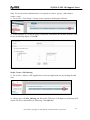
tunnel after user pass the SSL authentication.
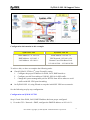
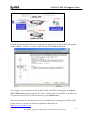
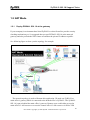
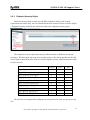
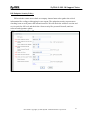
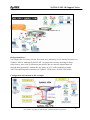
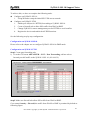
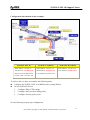
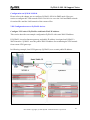
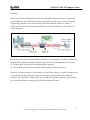
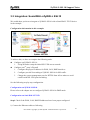
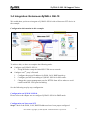
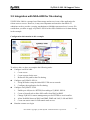
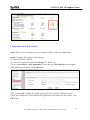
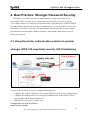
SSL VPN configuration table
ZyWALL SSL 10
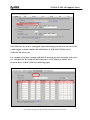
WAN Address: 172.120.1.10
LAN Address: 192.168.1.1
VPN Network: 192.168.1.0/24
Remote Users IP Address Pool: 192.168.10.200 ~ 192.168.10.250
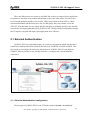
To achieve this, we have to complete the following tasks:
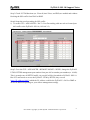
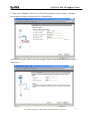
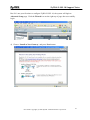
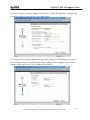
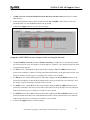
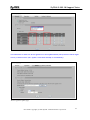
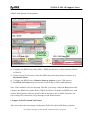
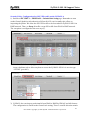
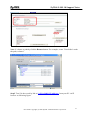
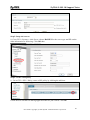
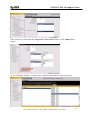
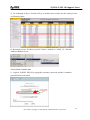
z On ZyWALL SSL 10, using Wizard to setup the initial SSL VPN access network.
See the following step-by-step configuration.
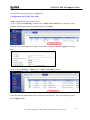
Configuration on ZyWALL SSL 10
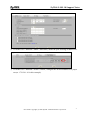
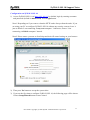
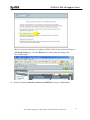
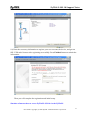
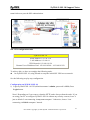
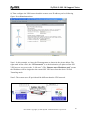
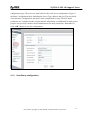
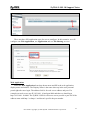
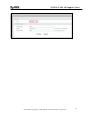
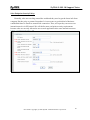
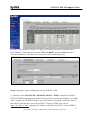
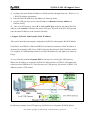
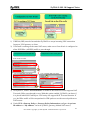
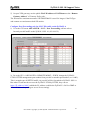
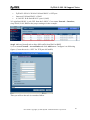
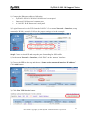
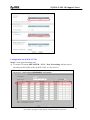
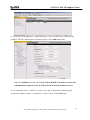
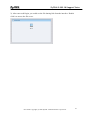
1) Login ZyWALL SSL 10 GUI (default username is admin; password is 1234). Press
Login button.
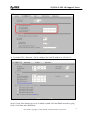
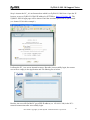
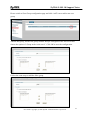
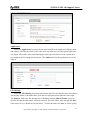
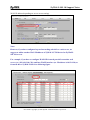
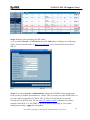
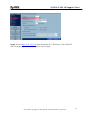
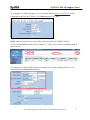
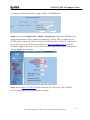
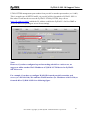
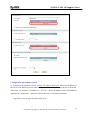
Note1: Depending on if you want to clean the HTTP cache after perform the tasks. If you
are using your PC to configure ZyWALL SSL 10 without any security concern, leave it
just as default ‘I am connecting via my own computer’. Otherwise, choose ‘I am
connecting via Public computer’ instead.
21
All contents copyright (c) 2006 ZyXEL Communications Corporation.