1
Chapter 8-16
GOTO
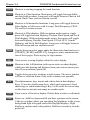
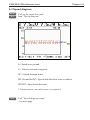
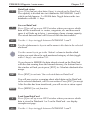
t Alarm SimNet diagnostic
MENU
Exit
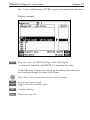
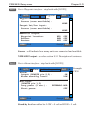
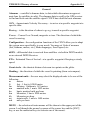
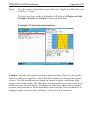
Example:
CE44/54
ON
LOW
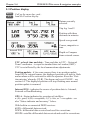
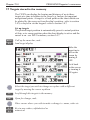
Pos-status:
Output (pin 4,6):
Pos-status stand-by level:
MOB-input:
(pin 3,6)
Long press (5 sec.):
Short press:
►
∆
Alarm:
Output (pin 1,2):
Alarm stand-by level:
Log:
Output (pin 5,6):
PLOT
ON
HIGH
ON
EXTERNAL MOB
OFF
∆
◄
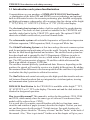
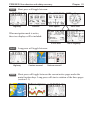
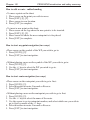
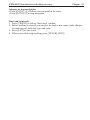
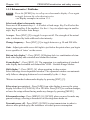
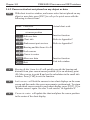
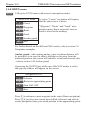
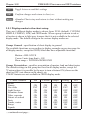
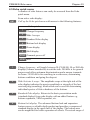
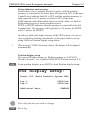
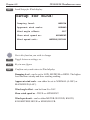
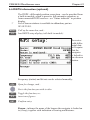
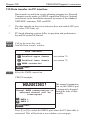
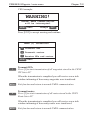
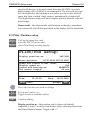
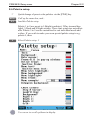
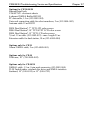
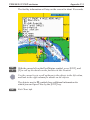
CE34/44/54 Setup menu
Accept ENT
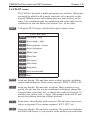
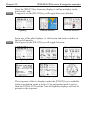
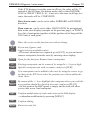
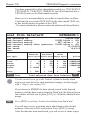
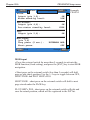
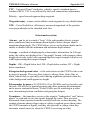
MOB-input
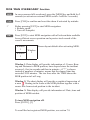
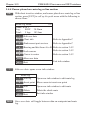
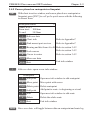
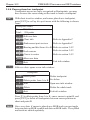
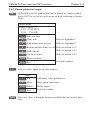
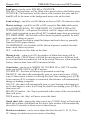
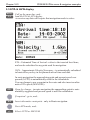
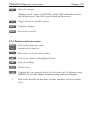
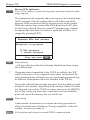
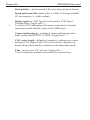
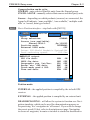
• Press the external switch for more than 5 seconds to activate the
MOB function (fixed setting), and press the [ENT] key to start MOB
navigation.
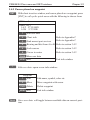
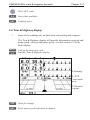
• Short press on the external switch (less than 5 seconds) will shift
page or plot ship’s position. Use the +/- keys to toggle between OFF,
SHIFT PAGE and PLOT SHIP’s POS:
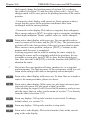
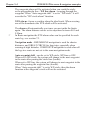
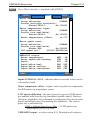
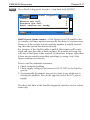
SHIFT PAGE - short press on the external switch will shift to next
page stored under the PAGE key.
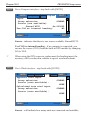
PLOT SHIP’s POS - short press on the external switch will plot and
save the actual position, which will be registered in the WP list.