1
Chapter 4-4
1-9
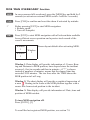
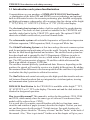
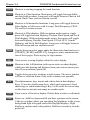
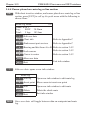
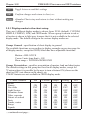
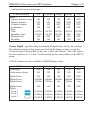
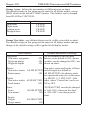
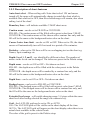
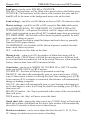
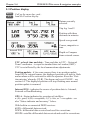
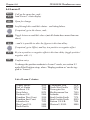
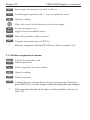
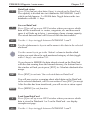
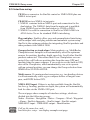
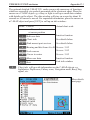
Select range in 9 steps
+/-
Adjust range with the + and - keys
0
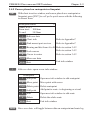
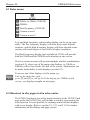
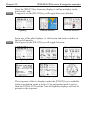
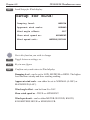
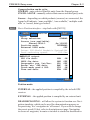
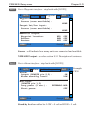
CE34/44/54 Echo menu
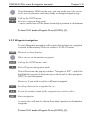
Activate Auto range
Press cursor left/right to adjust gain
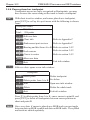
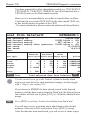
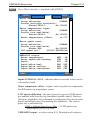
ADJ
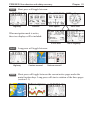
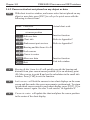
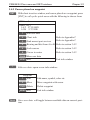
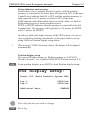
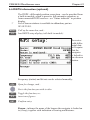
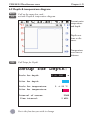
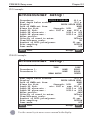
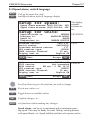
Direct access to Setup display related to active echo display 50kHz
or 200kHz - (see section 4.7)
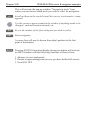
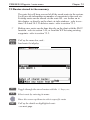
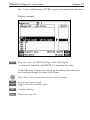
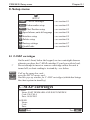
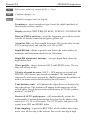
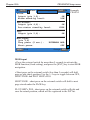
Use the cursor to go to the function you wish to change the value for
+/-
Toggle between available values
ENT
Confirm changes, or...
MENU
Abandon changes and exit Setup display
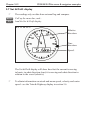
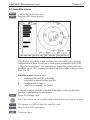
4.4 Variable range marker
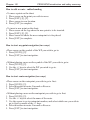
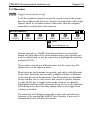
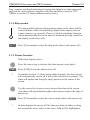
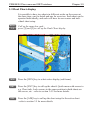
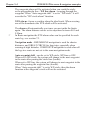
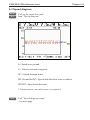
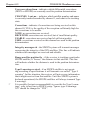
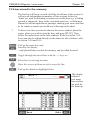
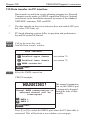
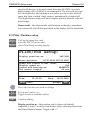
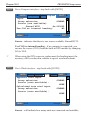
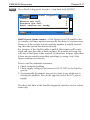
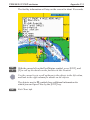
The VRM (Variable Range Marker) refers to a horizontal black line
shown on the display screen. The user can measure the range to
targets shown on the display screen by use of the VRM. The depth
to the VRM can be seen in the top left side of the screen for a few
seconds after the VRM line is moved.
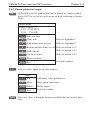
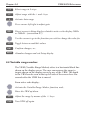
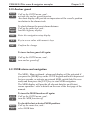
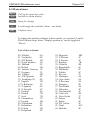
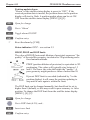
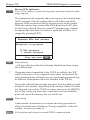
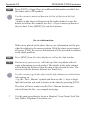
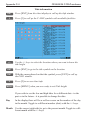
From active echo display:
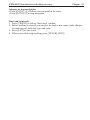
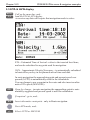
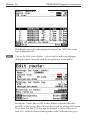
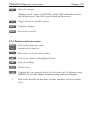
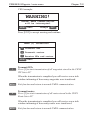
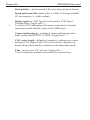
Activate the Variable Range Marker function, and...
Move the VRM up/down
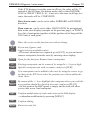
+/-
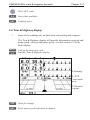
Adjust the range by means of the +/- keys
CLR
Turn VRM off again