1
6. Daily Inspection and Maintenance
5
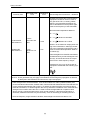
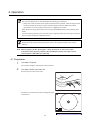
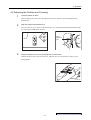
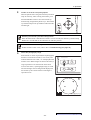
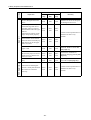
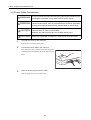
Attach the cable to the EOS digital camera.
Open the terminal cover of the EOS digital camera, and
connect the respective cables to the digital terminal, PC
terminal, remote control terminal and video out
terminal.
6
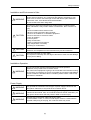
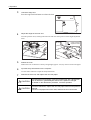
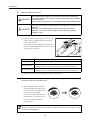
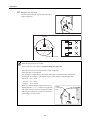
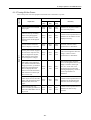
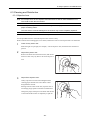
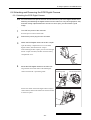
Attach the camera cover to the EOS digital camera.
Attach the camera cover to the EOS digital camera.
Attach the camera cover screws to the tripod socket on
the bottom of the EOS digital camera.
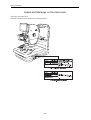
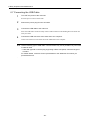
6.6.2 Removing the EOS Digital Camera
Note: If the EOS digital camera is removed and left unattached, dust and other foreign objects
can enter the main unit and EOS digital camera. Be sure to always attach the caps to the
respective mounts.
1
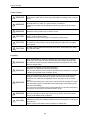
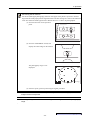
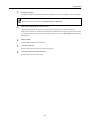
Turn OFF the power of the main unit.
Press the power switch to the O side.
2
Remove the power plug from the AC outlet.
3
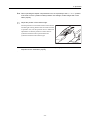
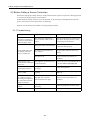
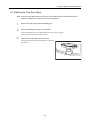
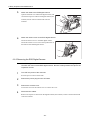
Remove the camera cover.
Loosen the screws of the camera cover to remove the cover.
4
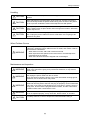
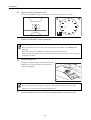
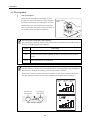
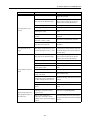
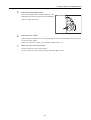
Disconnect the cables.
Remove the respective cables from the digital terminal, PC terminal, remote control terminal and
video out terminal.
-34-