1
Editing the ini Files using FTP Client Application
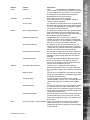
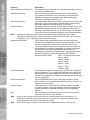
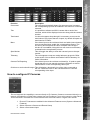
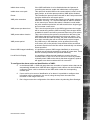
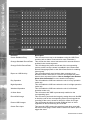
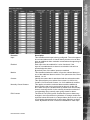
There are a number of parameters that can be configured within the ini files on the unit. This section
details the files, their function and how these are configured.
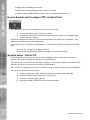
To edit and configure these files on the unit you will require:
FTP communication to be enabled on the unit
Valid FTP username and password
FTP Client software application
Connection via the Ethernet network to the unit
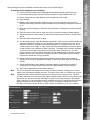
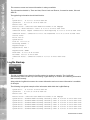
The following steps give an example of how to create an FTP session with the unit to configure
these files, take note this may differ from the process of the FTP software you are utilising.
DS2 Network Guide
Appendix B – .ini Files
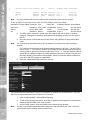
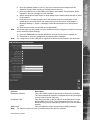
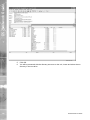
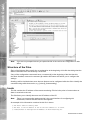
1. Launch the FTP client software.
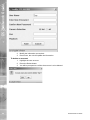
2. You will need to create a site for the FTP link, enter the IP address of the unit, enter the
FTP username and password.
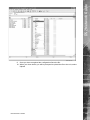
3. Select the Connect button to make the connection.
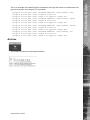
4. If the connection is successful you will be issued a connection prompt.
Dedicated Micros ©2006
99