1
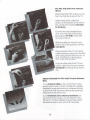
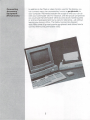
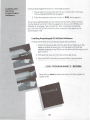
6. After the initial CP/M display,
this two-character message
appears on your screen:
A>
This is the CP/M system
prompt, which tells you that
CP/M is ready to accept com
mands from your keyboard.
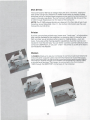
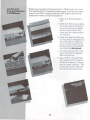
Remove the CP/M System
disk from the disk drive.
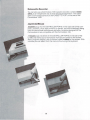
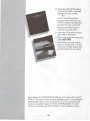
8. Insert the CP/M software pro
gram disk in the drive.
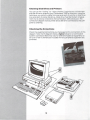
9. Type in the program name and
press RETURN.
10. Then follow the instructions
given on the screen, or in the
manual for the particular soft
ware program you are using.
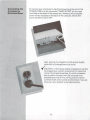
See Chapter IV of the SYSTEM GUIDE for an introduction to what
CP/M 3.0 software can do, and how to begin using it. To purchase a
detailed description of how to use CP/M, 3.0, fill out and mail the
coupon included in Chapter IV of the SYSTEM GUIDE. You will
receive a complete copy of the CP/M 3.0 User's Guide in return.
33