1
Using
Prepackaged
Cassette Tape
Software
Loading and
Running Disk
Programs You
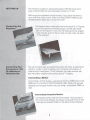
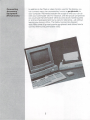
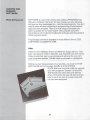
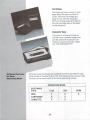
You can load and run prepackaged
cassette software by using a Commodore
1530 Datassette tape recorder. You can
also use a Datassette to load, run and
save software that you have created
yourself. The LOAD, SAVE and RUN
instructions for cassette tape software
are explained in detail in the COMMODORE
128D SYSTEM GUIDE. See your Datassette
instruction manual for further information
on using cassette software.
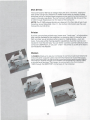
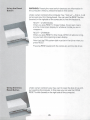
You can LOAD and RUN disk software programs that you have cre
ated yourself in much the same way that you LOAD and RUN pre
packaged disk software.
Have Created
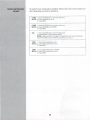
The general procedure is this:
1. Enter your program in the computer.
2. SAVE your program on disk using the DSAVE or SAVE com
mands.
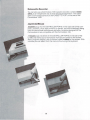
3. When you want to use the program, insert the disk containing
the program into the disk drive. Then use the LOAD com
mand, like this:
LOAD "PROGRAM NAME",8
4. When you get a READY prompt, type RUN and press
RETURN. Your program will then execute.
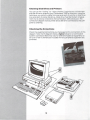
The COMMODORE 128D SYSTEM GUIDE gives you complete
instructions on how to use the SAVE/DSAVE, LOAD/DLOAD and RUN
commands to save, load and run your own programs. You may also
want to refer to the COMMODORE 1571 DISK DRIVE USER'S
GUIDE.
35