1
Device Configuration
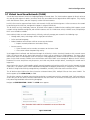
Each wireless interface supports eight VAPs. By default, the first VAP on an interface is always enabled. The AP device
supports two VAP types:
A. AP (Access Point) Mode
B. WDS (Wireless Distribution System) Mode
A. AP Mode
The VAP enabled in AP mode will support the standard AP functionality.
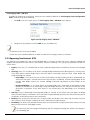
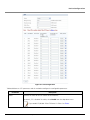
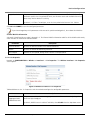
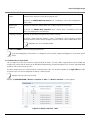
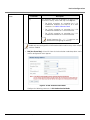
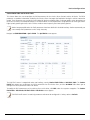
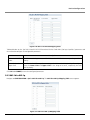
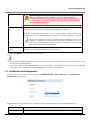
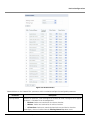
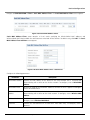
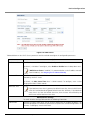
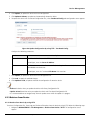
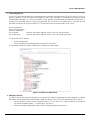
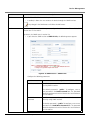
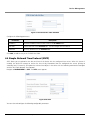
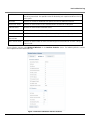
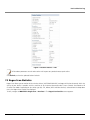
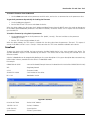
To configure a VAP in AP mode, select the radio button against the desired VAP and click Edit (See Wireless Interface -1
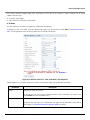
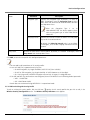
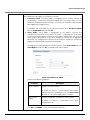
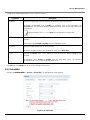
VAP). The configuration screen to edit the properties of selected VAP appears:
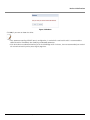
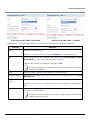
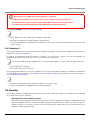
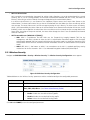
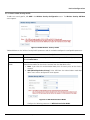
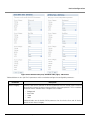
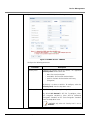
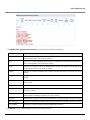
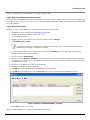
Figure 5-12 Wireless Interface 1 / VAP in AP Mode - Edit Properties
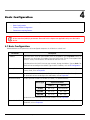
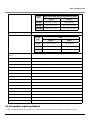
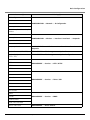
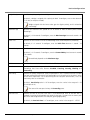
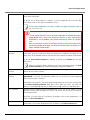
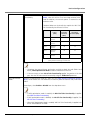
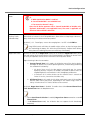
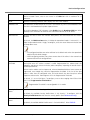
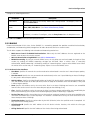
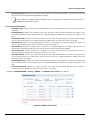
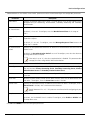
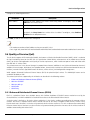
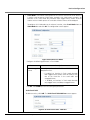
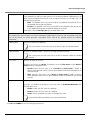
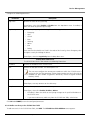
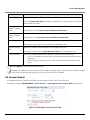
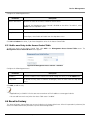
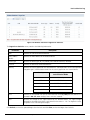
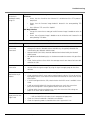
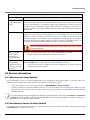
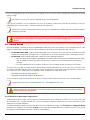
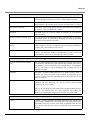
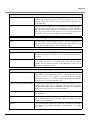
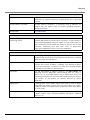
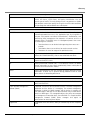
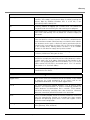
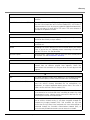
Tabulated below are ‘AP Mode’ parameters and the method to configure the configurable parameters:
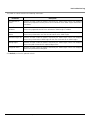
Parameter
Status
Description
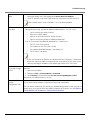
Specifies the status of the VAP.
By default, the first VAP is always enabled and other VAPs are disabled. To enable a VAP,
select Enable from the drop down menu.
Type
Specifies the VAP Type.
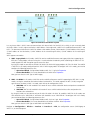
By default, the VAP Type is AP. Configurable VAP types are AP, WDS-END A, WDS-END B,
WDS-Legacy. (See Wireless Distribution System (WDS) for details)
ORiNOCO® 802.11n Access Points - Software Management Guide
45