1
Getting Started
1
Some Helpful Tips
Performing a time-base calibration
The N9340A provides a manual calibration function
to calibrate the time base.
The analyzer should warm up for approximately 30
minutes before calibration.
Use a BNC cable to connect a 10 MHz reference
signal to the EXT TRIG IN connector of your N9340A,
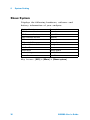
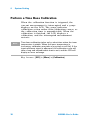
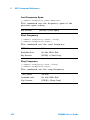
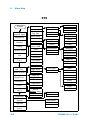
then press [SYS] > {More (2 of 3)} > {Calibration} > {Time
Base} to initiate a calibration.
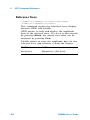
Selecting a preset type
The N9340A has two Preset options. Power On Preset, and the Preset hardkey function. Each can be
defined by the user using the System menu. The
analyzer has two types of preset setting for you to
choose from:
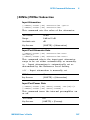
• Default Restores the analyzer to its
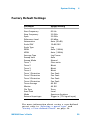
factory- defined setting. The factory default
settings can be found, “Factory Default
Settings" on page 39
• User
Restores the analyzer to a user- defined setting.
See “Saving a User- defined Preset" on page 23.
NO TE
The Analyzer will always use the factory-default settings
when powering on.
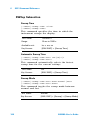
Saving a User-defined Preset
If you frequently use system settings that are not
the factory defaults, refer to the following steps to
create a user- defined system settings that can be
easily recalled at the power up state:
1 Set analyzer parameters by the knob, the arrow
keys or the numeric keypad.
N9340A User’s Guide
23