1
LAN Configuration
Virtual Serial
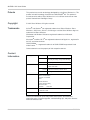
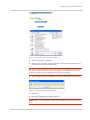
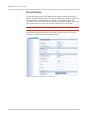
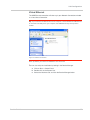
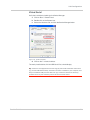
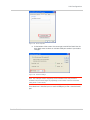
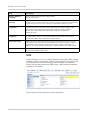
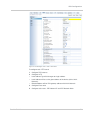
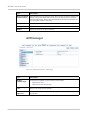
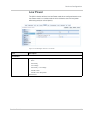
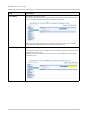
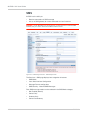
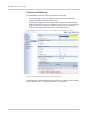
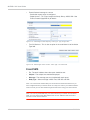
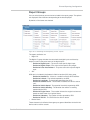
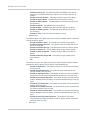
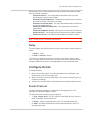
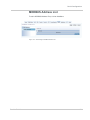
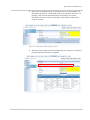
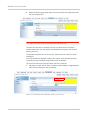
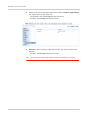
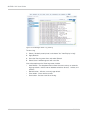
Verify the installation by looking in the Device Manager.
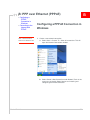
a. Click on Start > Control Panel.
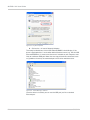
b. Double-click on the System icon.
c. Select the Hardware tab, and click the Device Manager button.
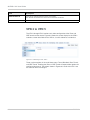
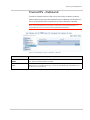
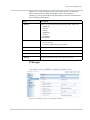
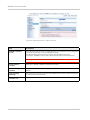
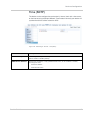
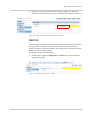
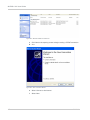
Figure 5-12: System Properties
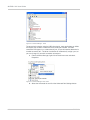
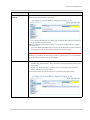
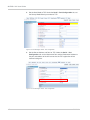
d. Click on the + in front of devices.
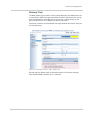
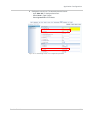
The newly installed driver, AirLink USB Serial Port, should display.
Tip: If the driver is displayed with a number sign (#) and number behind the driver name
(e.g., AirLink USB Serial Port #2), more than one driver is installed on your computer, most
likely for a different USB port. More than one copy of the driver should not cause any
problems since only the connected port and its driver would be active.
Rev 2.3 Feb.12
59