1
3
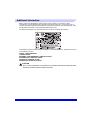
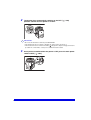
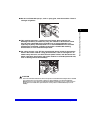
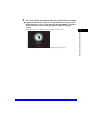
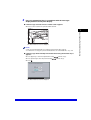
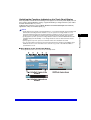
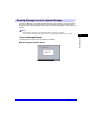
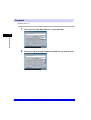
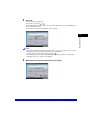
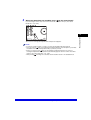
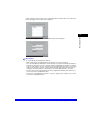
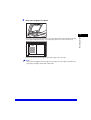
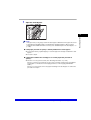
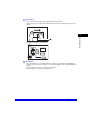
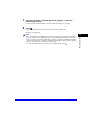
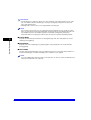
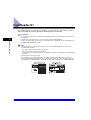
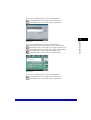
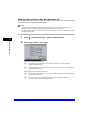
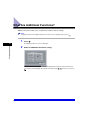
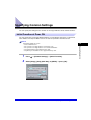
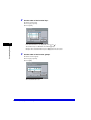
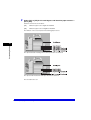
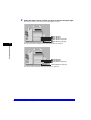
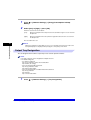
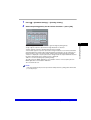
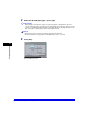
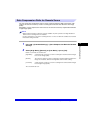
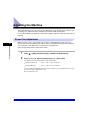
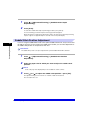
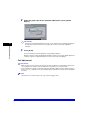
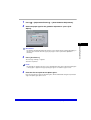
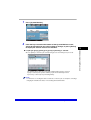
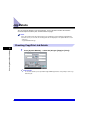
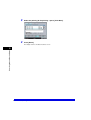
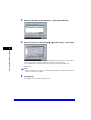
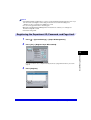
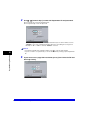
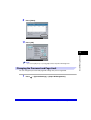
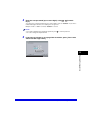
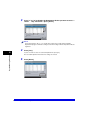
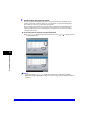
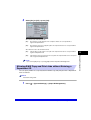
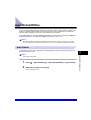
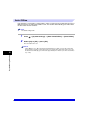
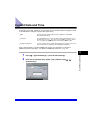
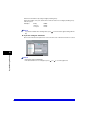
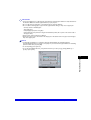
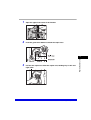
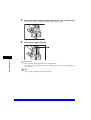
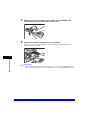
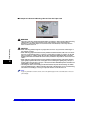
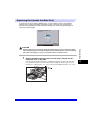
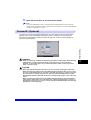
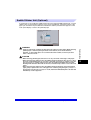
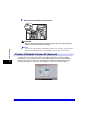
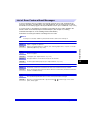
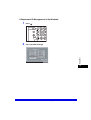
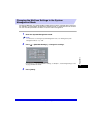
Enter the System Manager ID and System Password using
(numeric keys).
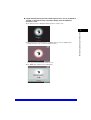
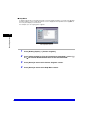
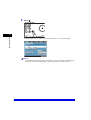
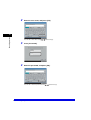
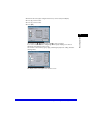
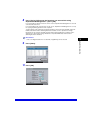
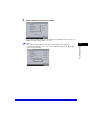
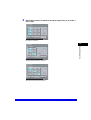
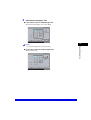
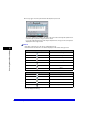
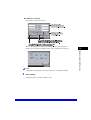
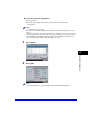
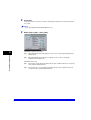
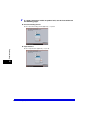
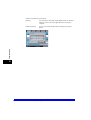
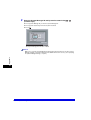
❑ Press [System Manager ID] ➞ enter the System Manager ID.
❑ Press [System Password] ➞ enter the System Password.
❑ Press .
-
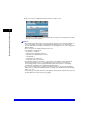
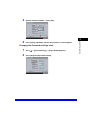
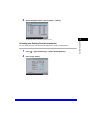
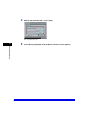
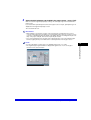
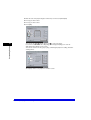
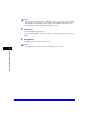
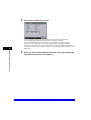
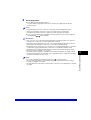
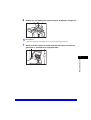
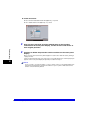
The System Management mode is enabled.
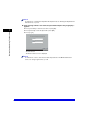
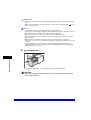
NOTE
Appendix
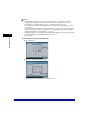
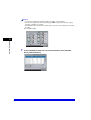
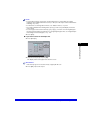
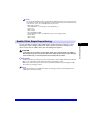
Make sure to enter the System Manager ID and System Password that were stored in System
Manager Settings, in System Settings (from the Additional Functions screen). (See "Specifying
the System Manager Settings," on p. 6-2.)
9
9-30
System Management of the CLC3220/iR C3220N




























































































![[Impostazioni rete].](http://vs1.manualzilla.com/store/data/006126015_1-a8b230434cd1a1b69e1ac6b45a87b86d-150x150.png)