1
CHAPTER 12: Field Definitions
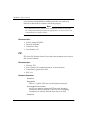
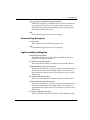
Preferences dialog box
General tab
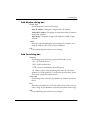
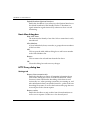
Load this file always
Specify the file to load when Log Viewer is launched. You can
type or use the Browse button to specify the file.
Browse
Click this button to find the file to load when Log Viewer is
launched.
Load last file opened
Select to load the last file opened when Log Viewer is launched.
Don't load any files
Select to not load any files when Log Viewer is launched.
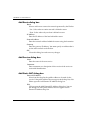
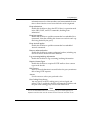
GMT Time
Click to have time zone set to Greenwich Standard Time.
Local Time
Click to have time zone set to your local time. To set the local time,
use Policy Manager (Setup => Time Zone).
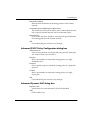
Refresh file every
Select to set the time in seconds before the Firebox automatically
refreshes every file. You can type or use the arrows to input the
time.
Arrows
Use the arrows to select your preferred value.
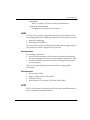
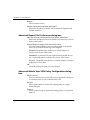
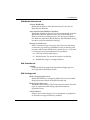
Filter Data tab
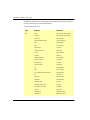
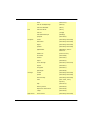
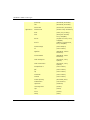
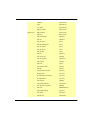
Filter Data
Enable the check box(es) next to the columns you would like to
appear in the main window.
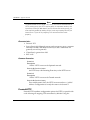
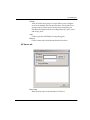
Search Fields dialog box
Search Parameters
Set the search parameters using the Field and Value columns.
178
WatchGuard Firebox System 6.0