1
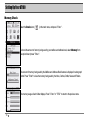
Setting Up Your AT100
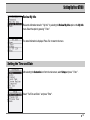
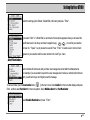
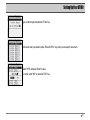
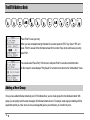
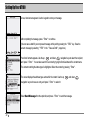
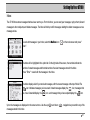
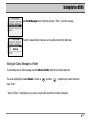
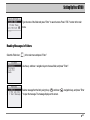
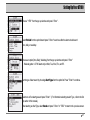
Use the same procedure to create up to ten (10) phrases or sentences.
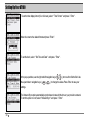
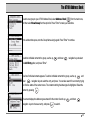
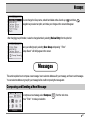
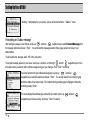
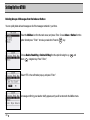
Press "ESC" to save the Quick Text phrases.
Select ”YES”and press "Enter" to save.
To cancel, select "NO" or press the "ESC" key.
Custom Replies
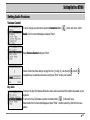
Enter up to 10 custom replies that can be used to send a quick reply without typing. Custom replies can be as simple as "Yes" and
"No", or can be an instruction, such as "Send a number to call". You can create up to ten (10) custom replies, each consisting of up
to forty-eight (48) characters.
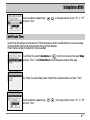
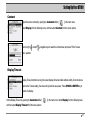
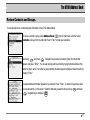
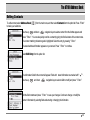
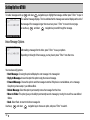
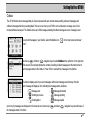
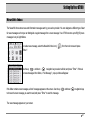
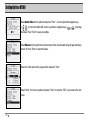
Enter your Custom Replies by selecting the Customize icon [
] from the main menu,
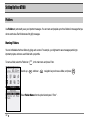
and pressing "Enter". Select Custom Replies from the menu options, and press "Enter".
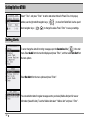
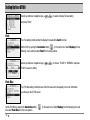
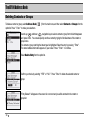
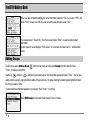
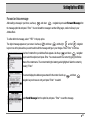
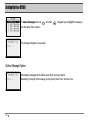
Choose the location using the up
30
and down
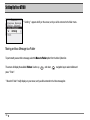
navigation keys and pressing,“Enter.”