1
Setting Up Your AT100
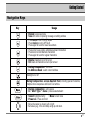
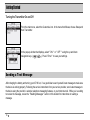
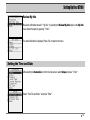
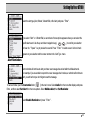
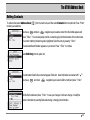
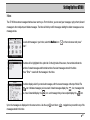
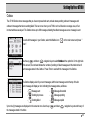
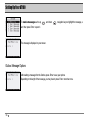
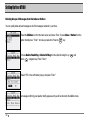
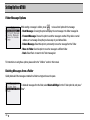
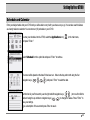
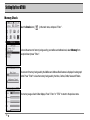
To read the new message, choose " YES " by using the right
and left
navigation keys, and
then pressing " Enter " . The message appears on your screen.
If you do not want to read the message right away, choose " NO " in the " New Message " pop up.
The unread message will be filed in your Inbox so that you can view it at a later time.
Replying to a Message
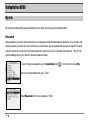
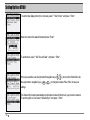
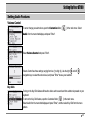
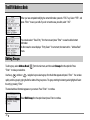
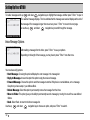
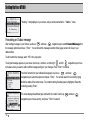
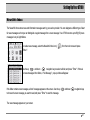
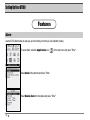
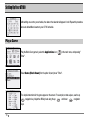
After reading a message, press " Enter " or
to send an immediate reply.
Use the up
and down
and press " Enter " to continue.
navigation keys to select Reply To Message from the option list
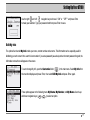
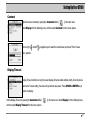
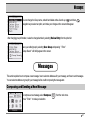
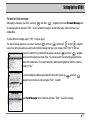
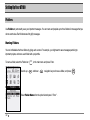
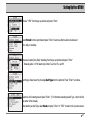
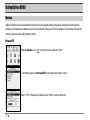
On the Reply option list, you have the option of writing a custom reply or choosing any of the custom
replies you might have entered previously.
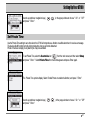
To write a custom reply, use the up
and down
navigation keys to choose the Write
Reply option and press " Enter ". Write your reply in the Message window and press Enter to send
the reply.
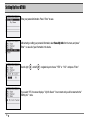
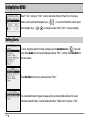
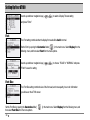
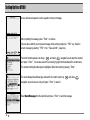
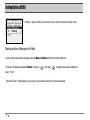
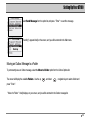
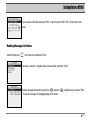
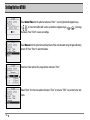
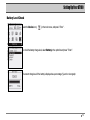
To reply using a predefined custom reply, use the up
and down
displayed, and press " Enter ". Your reply will be sent immediately.
navigation keys to choose your reply from the list
49