1
Setting Up Your AT100
Review My Info
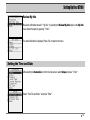
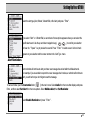
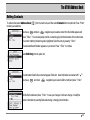
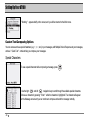
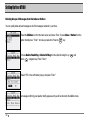
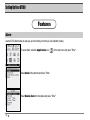
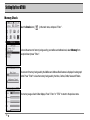
Review the information stored in " My Info " by selecting the Review My Info option on the My Info
menu. Select the option by pressing " Enter ".
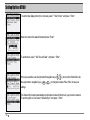
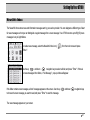
The stored information is displayed. Press Esc to return to the menu.
Setting the Time and Date
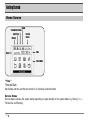
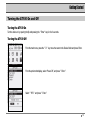
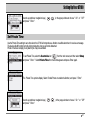
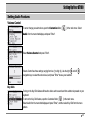
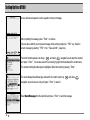
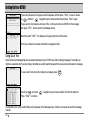
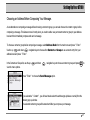
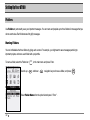
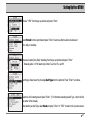
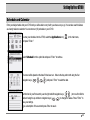
After selecting the Customize icon from the main screen, select Setup and press " Enter " .
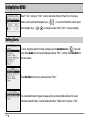
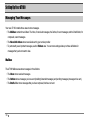
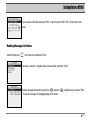
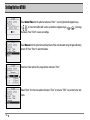
Select " Set Time and Date " and press " Enter " .
19