1
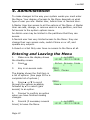
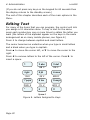
4. Administration
i-on160
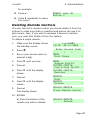
Deleting Remote Controls, Tags and PAs
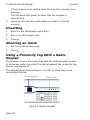
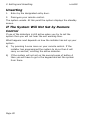
If you have lost a remote control, prox tag or panic alarm
assigned to you then you should delete it from the system to
make sure that no unauthorised person can use it.
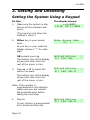
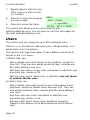
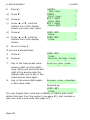
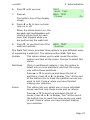
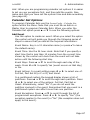
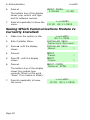
1.
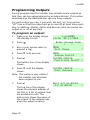
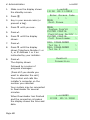
Make sure the display shows
the standby screen.
2.
Press
3.
Key in your access code (or
present a tag).
MENU
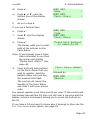
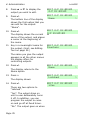
Omit Zones
>
4.
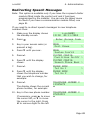
Press n .
MENU
Users
>
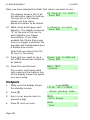
.
12:20
i-on160EX
02/11/2010
Enter Access Code
(
)
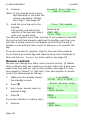
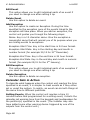
If you are a Master or Admin User:
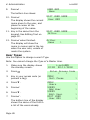
5.
Press Y.
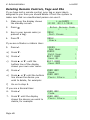
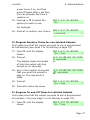
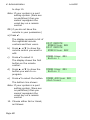
USERS
Add User
>
a)
Press n.
USERS
Edit User
>
b)
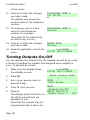
Press Y.
EDIT USER
User 01
>
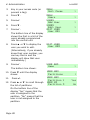
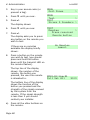
c)
Press u or n. until the
bottom line of the display
shows your own user name.
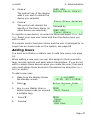
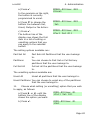
EDIT USER
User 003
>
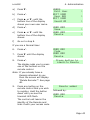
d)
Press Y.
USER 003
Name
>
e)
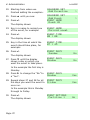
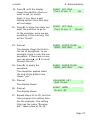
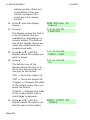
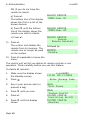
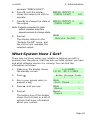
Press u or n until the bottom
line shows the device you
wish to delete, for example:
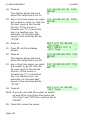
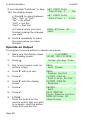
USER 003
Panic Alarm
>
f)
Go on to step 8.
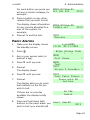
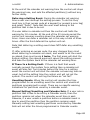
If you are a Normal User:
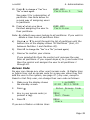
6.
Press Y.
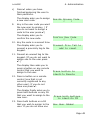
USER 002
Code
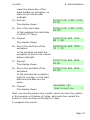
7.
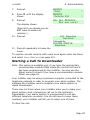
Press n until the display
shows the device you wish to
delete, for example:
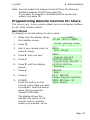
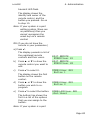
USER 002
Panic Alarm
Page 46
>