1
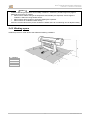
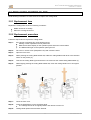
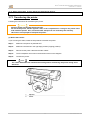
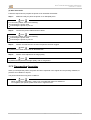
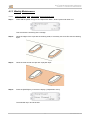
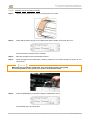
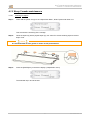
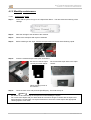
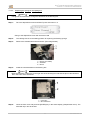
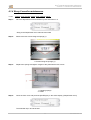
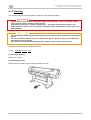
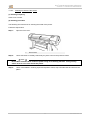
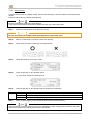
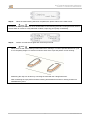
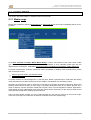
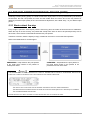
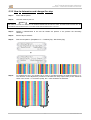
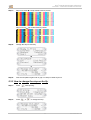
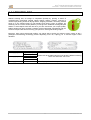
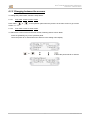
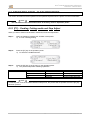
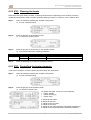
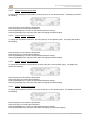
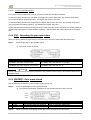
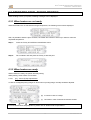
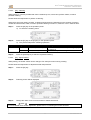
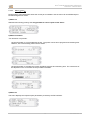
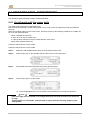
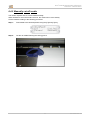
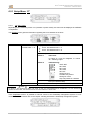
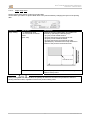
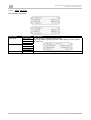
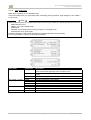
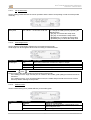
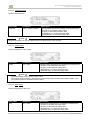
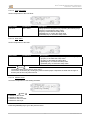
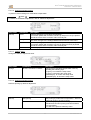
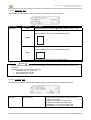
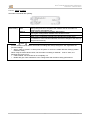
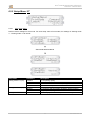
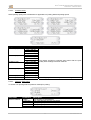
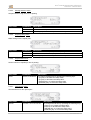
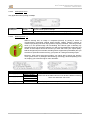
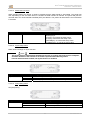
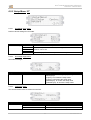
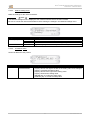
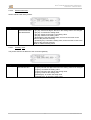
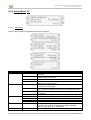
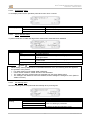
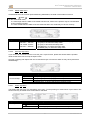
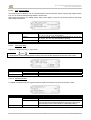
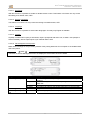
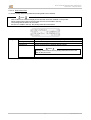
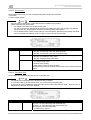
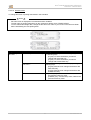
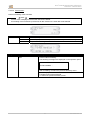
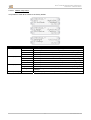
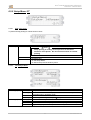
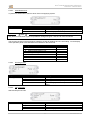
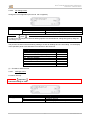
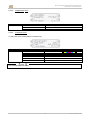
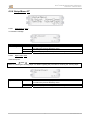
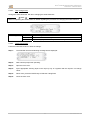
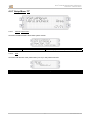
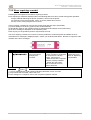
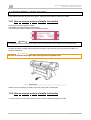
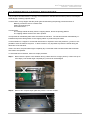
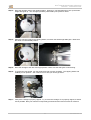
User’s Guide Rockhopper 3 Extreme CHAPTER 4 : PERIODICAL MAINTENANCE 4.1.3 Monthly maintenance 4.1.3.1 Repla cing t h ew ipers Step 1 : Power ON the printer and go to the WiperClean-Menu. This will cause the unlocking of the carriage. Step 2 : Slide the carriage to the left side of the machine. Step 3 : Remove the old wipers with a pair of tweezers Step 4 : Before inserting a new wiper, moisten the wiper with Eco-Solvent Ultra Cleaning Liquid. Step 5 : Insert the moistened wiper with a pair of tweezers. Be sure to insert the wiper correctly as shown below: Be sure that the wiper clicks in the wiper holder! When standing in front of the machine. Step 6 : Close the front cover and press the [ENTER] key. The head will cap in. Notes Be careful not to break the lips of the wiper arm while installing the wipers. Do not touch the wipers with your bare hands to avoid fat or dirt get in contact with the wipers and automatically the nozzle plate. Use a pair of tweezers to avoid this. Clean wipers with appropriate cleaning liquid in case of dirt. 42 AP-75198– Rev. 1.2