1
Alarm
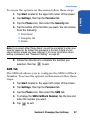
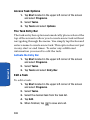
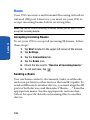
To access the note options, follow these steps:
1. Select Notes.
2. Tap Tools and select Options.
Alarm
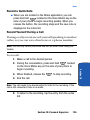
Schedule an Alarm
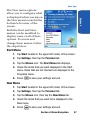
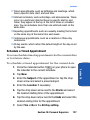
Your phone has four alarm clocks that can be configured
to ring daily at a desired time. To set up the alarm clock:
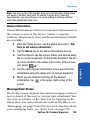
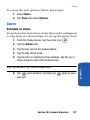
1. From the Today screen, tap the clock icon
.
2. Tap the Alarms tab.
3. Tap the box next to the desired alarm.
4. Tap the day of the week.
5. Tap the time to display the time settings. Tap the up or
down arrows to select the desired time.
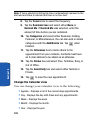
Note: Tap the AM or PM to cycle between them.
again to save
Section 10: Personal Organizer
137
Section 10
6. Tap
when finished, and then tap
and exit.