1
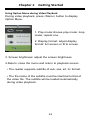
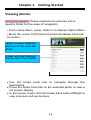
Chapter 2 Getting Started Watching Videos • From Main menu, Select “Video”,and enter into the video
library.
• In video library move the cursor to your desired video file
and press <OK> to start playing.
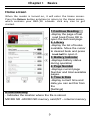
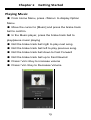
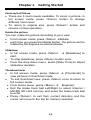
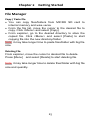
• During video playback, the button definition is a below:
1
Increase Volume
5 Roll left: Next Video
2
Decrease Volume
3
Full Screen / Fit to
screen
Roll up: Fast
Forward
Roll down: Fast
Forward
4
Press: Play / Pause
6
5
Roll right: Previous
video
7 Return
21
Option menu