1
IRP_Install_1.fm Page 25 Monday, February 3, 2003 4:19 PM
6
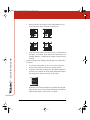
Center the image vertically by adjusting the secondary mirror as
follows:
a
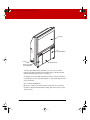
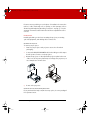
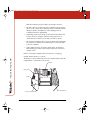
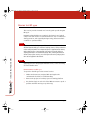
Locate the vertical centering knob through the leftmost of
the two cut out windows in the sheet metal plate behind the
center panel. The knob label is shown below.
b
Adjust the vertical centering knob until the projected image
is balanced, using decal grids as a guide.
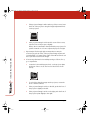
c
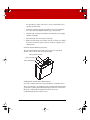
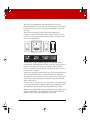
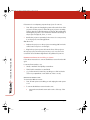
If necessary, adjust the tilt control on the projector to ensure
that the bottom edge of the projected image is level. The
projector tilt adjustment is typically located on a corner of
the projector and is labeled as shown.
Refer to the documentation that came with your projector for
specific instructions on how to find and adjust the projector
tilt control.
7
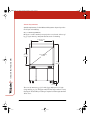
Repeat steps five and six until both the sides and the bottom of
the image are square and are located within 0.2” (5mm) of the
edges of the IRP screen.
8
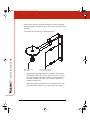
If necessary, eliminate vertical keystoning, as follows. If not, go
to step ten.
INSTALLING THE IRP 4500
25