1
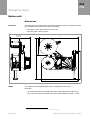
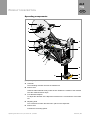
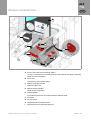
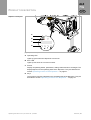
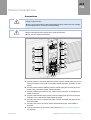
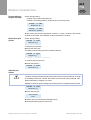
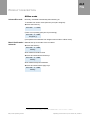
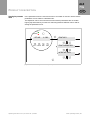
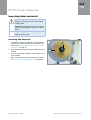
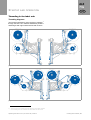
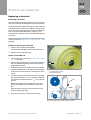
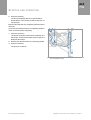
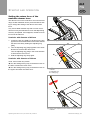
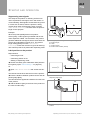
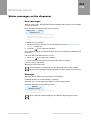
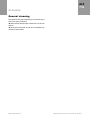
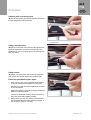
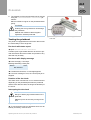
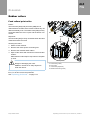
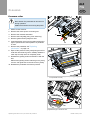
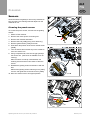
ALX 73x STARTUP AND OPERATION Inserting label material WARNING! Danger of injury due to moving and rapidly rotating parts! Before inserting the label roll ensure that the printer and dispenser are both in offline mode. Danger of injury caused by falling label roll. Wear safety shoes. Inserting the label roll 1. If necessary, adjust the diameter of the unwinding mandrel to the core diameter of the material roll; see section Adjusting the core diameter of the unwinder on page 75. 2. Push the material roll [44A] onto the dispenser until it stops. B A 3. Turn the knob [44B] clockwise until the label roll is firmly seated. For the remainder of the material flow, see section Threading in the label web on page 65. [44] Inserting a material roll 64 | Inserting label material Operating manual ALX 73x | file version 05 | 03/2012