1
 Unpacking Your Printer
Powering On the Printer
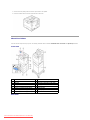
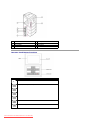
About Your Printer
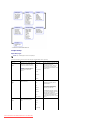
Understanding Operator Panel Menus
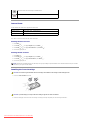
Operator Panel Button Functions
Accessing Operator Panel Menus
Internal Fonts
Printing a Demo Page
Installing the Toner Cartridge
Changing the Display Language
Loading Print Media
Power Save Mode
Changing the size of the paper in the paper tray
Changing the Font Setting
Setting up Your Printer
Unpacking Your Printer
1.
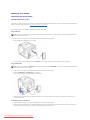
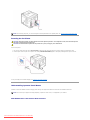
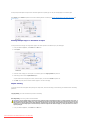
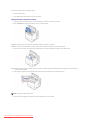
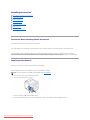
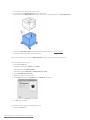
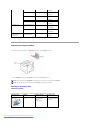
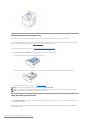
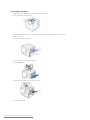
Select a location for your printer.
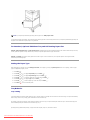
CAUTION: The printer requires at least two people to lift it safely.
l
l
Leave enough room to open the printer tray, covers, doors, and additional options. It is also important to allow enough space around the printer for
proper ventilation.
Provide the proper environment:
l
A firm, level surface
l
Away from the direct airflow of air conditioners, heaters, or ventilators
l
Away from sunlight, extreme humidity, or high fluctuations in temperature
l
A clean, dry, and dust-free location
NOTE: Leave the printer in the box until you are ready to install it.
2.
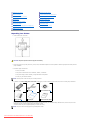
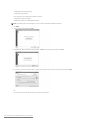
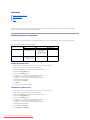
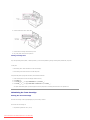
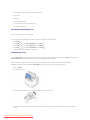
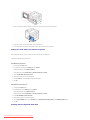
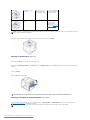
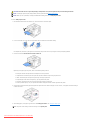
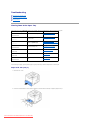
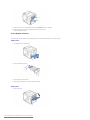
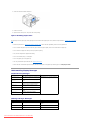
In addition to the Dell™ 5330dn Mono Laser Printer, ensure that you have the following items in the box. If there is a missing item, contact Dell:
toner cartridge
power cord*a
drivers and Utilities CD*b
owner's manual*C
setup diagram
product Information Guide
a.The appearance of the power cord differs according each country’s specifications.
b.The Drivers and Utilities CD contains Dell printer drivers, Printer Settings Utility, Set IP Address Utility, Macintosh driver, Linux driver, Dell™ Toner Management System, Firmware Update Utility and HTML User’s Guide.
c.Owner’s manual may not be supplied depending on model and country.
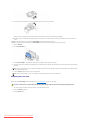
NOTE: The power cord must be plugged into a grounded power socket.
Downloaded from ManualsPrinter.com Manuals