1
Returning to Standalone Mode
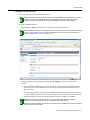
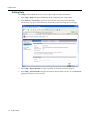
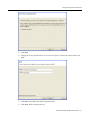
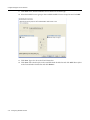
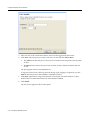
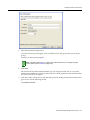
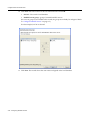
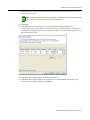
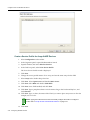
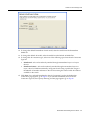
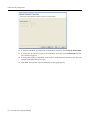
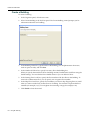
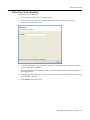
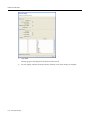
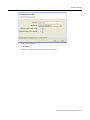
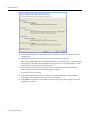
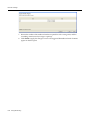
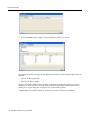
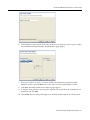
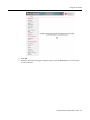
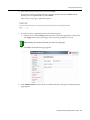
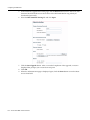
10. When a dialog box appears, asking if you want to reboot the system now, click OK.
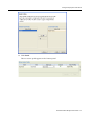
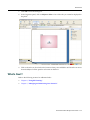
After the access point resets, the conversion process is complete.
Returning to Standalone Mode
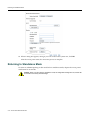
To return an AP3000 operating in thin mode back to standalone mode, depress the access point’s reset button for 30 seconds.
Caution: When you return back to standalone mode, all configuration settings are lost, and the AP
is set back to the factory default settings.
A-6
Access Point 3000 Conversion