1
7 ONLINE MODULE CHANGE
(e)
MELSEC-Q
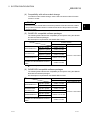
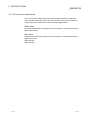
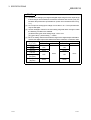
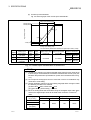
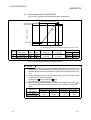
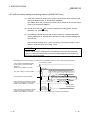
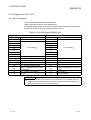
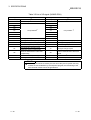
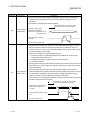
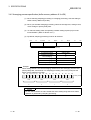
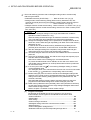
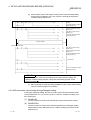
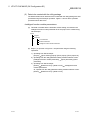
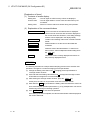
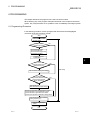
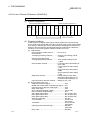
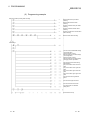
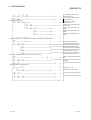
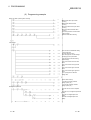
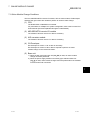
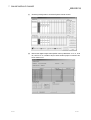
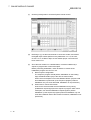
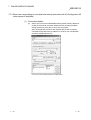
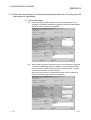
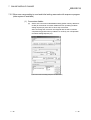
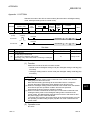
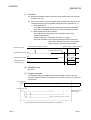
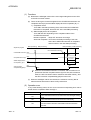
Since the new module is in a default status, it must be initialized by a
sequence program after control resumption.
Before performing initialization, check whether the contents of the
initialization program are correct or not.
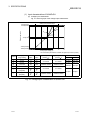
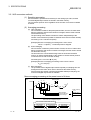
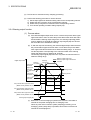
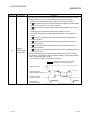
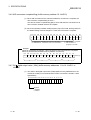
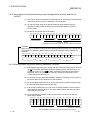
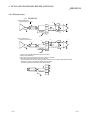
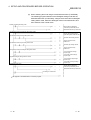
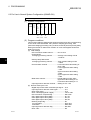
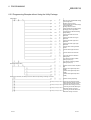
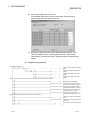
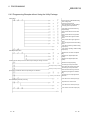
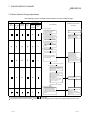
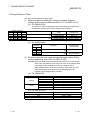
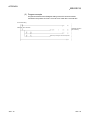
1) Normal system configuration
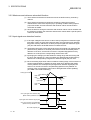
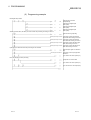
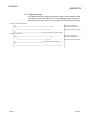
The sequence program should perform initialization on the leading
edge of Module READY (X9) of the A/D converter module.
When control resumption is executed, Module READY (X0) turns ON
and initialization is performed. (If the sequence program performs
initialization only one scan after RUN, initialization is not performed.)
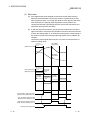
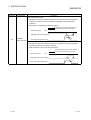
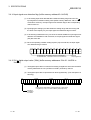
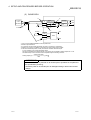
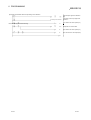
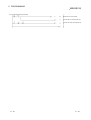
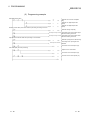
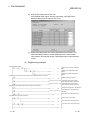
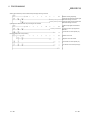
2) When used on remote I/O network
Insert a user device that will execute initialization at any timing
(initialization request signal) into the sequence program. After control
resumption, turn ON the initialization request signal to perform
initialization. (If the sequence program performs initialization only one
scan after a data link start of the remote I/O network, initialization is not
performed.)
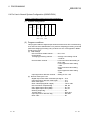
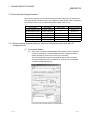
(5) Resumption of control
7 - 29
(a)
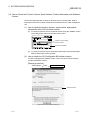
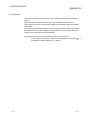
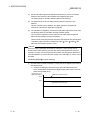
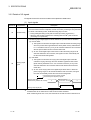
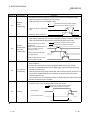
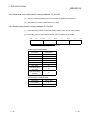
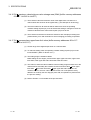
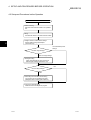
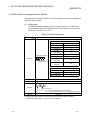
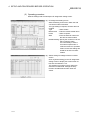
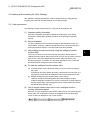
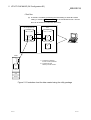
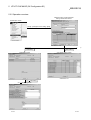
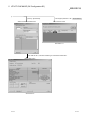
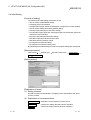
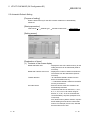
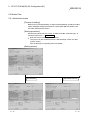
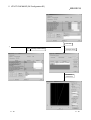
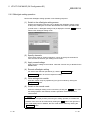
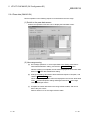
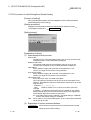
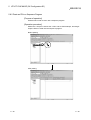
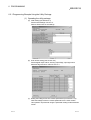
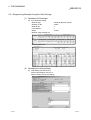
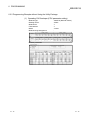
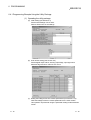
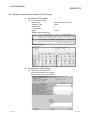
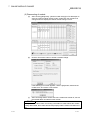
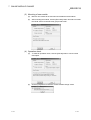
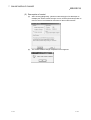
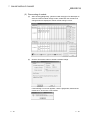
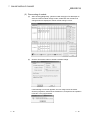
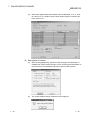
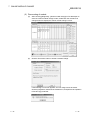
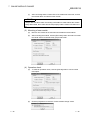
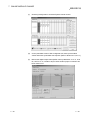
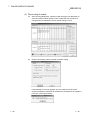
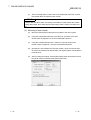
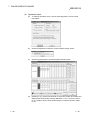
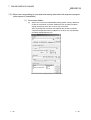
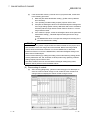
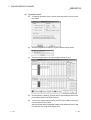
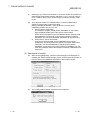
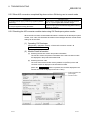
After choosing [Diagnosis] - [Online module change] on GX Developer to
redisplay the "Online module change" screen, click the [Execution] button to
resume control. The FROM/TO instruction for the module resumes.
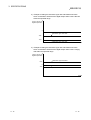
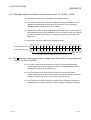
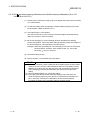
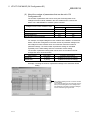
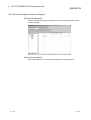
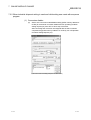
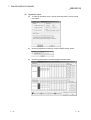
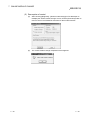
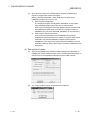
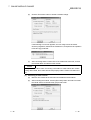
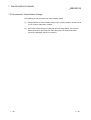
(b)
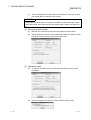
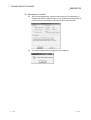
The "Online module change completed" screen appears.
7 - 29