1
Soft Front Panel Help
List Dialog Box
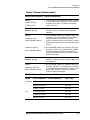
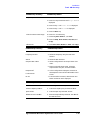
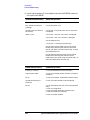
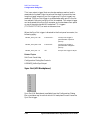
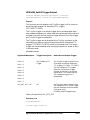
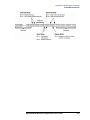
Sync In 3 – Wait for Sync In to Start/Restart
This setting is a combination of the Start and Restart values (Sync In 1
and Sync In 2). A Sync In trigger is always required to start the list.
However, a Sync In trigger can restart the list while it is running, and
this can occur at any arbitrary point in the list. The list will stop after
reaching the end of the list and wait for a Sync In trigger before
restarting.
TIP
These same modes can be specified programmatically by setting the
featureBits parameter using the HPE6432_RunList() function.
Related Topics
Soft Front Panel Help
List Dialog Box Controls
Configuration Dialog Box
Sync Input
HPE6432_RunList
Working with Lists (A Programmer’s Model)
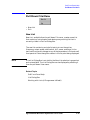
Add Above - List Editing Control
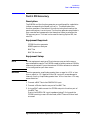
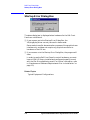
Add Above, available from the List Dialog Box, adds a new list point
above the currently active list point.
The point added is exactly the same as the currently active list point,
but can be immediately edited. The values for a list point can be
changed as desired.
NOTE
The time to download a list in the List Dialog Box is exponential and is
related to the size of the list; the larger the list, the longer it takes to
load each point into the List Dialog Box.
Adding a single point to a very long list is much slower than adding a
single point to a short list.
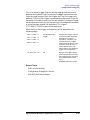
The values for a list point can be changed with the following:
• Select an entry in the list using the mouse.
The background color of the selected entry is shaded red, and the
words “Editing Step (followed by the entry position in the list)” is
displayed above the frequency entry box on the main Soft Front
Panel.
Agilent E6432A Microwave Synthesizer User’s Guide
3-65