1
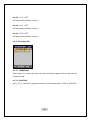
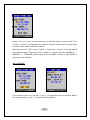
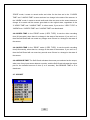
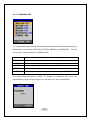
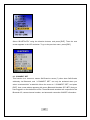
rest of the modes besides “RECORD” and “TRANSMIT”, it turns off the power
completely. Set the time to 0 to deactivate the “1. AUTO OFF” function.
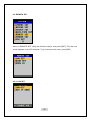
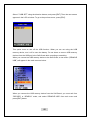
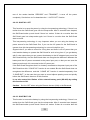
4-9-3-2. SAVE AC: OFF
This function is to save the power by using the low-powering technology. If there is no
motion then the Self-Guard goes into the sleep-mode. After 2 seconds have elapsed,
the Self-Guard wake up and check if there is a motion. If there is no motion then the
Self-Guard goes into sleep-mode again, but if there is a motion then the Self-Guard
start to record.
This low-powering technology is very important when you are using the battery as
power source for the Self-Guard. But, if you use the AC power for the Self-Guard to
operate, then this low-powering technology is not much helpful to you.
Suppose that if you want to record for a long time and there is no AC power then you
need another battery to operate the Self-Guard for such a long time. If you get battery
with 5 volts output then you can connect that battery to the AC adaptor input port of the
Self-Guard directly. And the Self-Guard does not recognize the difference between the
battery and the AC power connected to the power input port, so that you can save the
battery even though it is connected to the AC power port.
If the Self-Guard recognizes that it is a battery connected to the power input port of the
Self-Guard then this “2.SAVE AC” function is not needed. But the Self-Guard does not
recognizes the difference, and this “2.SAVE AC” function is needed separately from
“3.SAVE BAT”. In the case that you want to record objects passing once and quickly
before the Self-Guard, then turn off this function.
It can also extend the lifetime of the external battery pack (SG-938) by setting
this function to ON.
Caution:
Set it to OFF when using the Remote Access (LAN) or the Bluetooth.
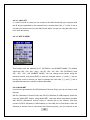
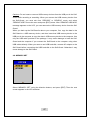
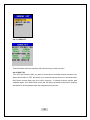
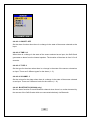
4-9-3-3. SAVE BAT: ON
This function is to save the battery by using the low-powering technology. If there is no
motion then the Self-Guard goes into the sleep-mode. After 2 seconds have elapsed,
the Self-Guard wake up and check if there is a motion. If there is no motion then the
74