1
58
CineView Pro Decoder Family 2.6 User Manual and API Guide
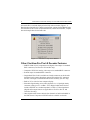
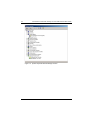
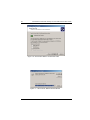
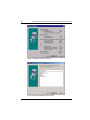
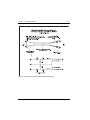
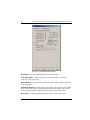
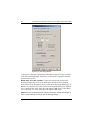
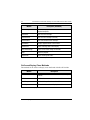
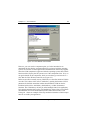
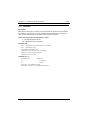
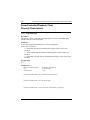
Figure 2-13. Audio/Video Setup Window
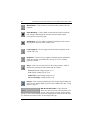
Burst Ampl – Sets the amplitude of the chroma burst signal.
Color Bars Button – Click to bring up a color bar display. For use with
composite video output only.
Default Button – Click to restore all settings on this window, except Video Gain,
to factory defaults.
Enable Ext. Genlock – Check this box if the output video signal is to be locked
to an external video source. Note that the desired external source video must be
connected to the genlock connector on the CineView Pro decoder board.
Sub-Carrier – Adjusts the output burst phase relative to the genlock input.
Playback Setup Windows