1
3300 ICP Technician’s Handbook
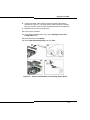
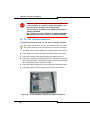
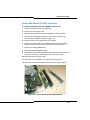
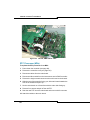
c. Unplug the PDU internal power cord from the power converter.
d. Remove the outer screws on the PDU faceplate.
e. Pull the PDU out until you can access the fan power connector at
the rear of the PDU.
f. Disconnect the fan power connector and remove the PDU.
4. Install a new PDU:
a. Unpack and inspect the new PDU for damage.
b. Set the power switch on the new PDU to off (O).
c. Connect the fan power connector at the rear of the PDU.
d. Insert the PDU and replace the outer screws on the PDU faceplate.
e. Plug the PDU internal power cord into the power converter.
f. Replace the internal power access cover plate.
g. Plug the external power cord into the PDU.
5. Power up the unit (see page 142).
6. Replace the front panels (see page 142).
Replacing a Cooling Fan
Refer to “Safety Considerations” on page 98.
To replace a cooling fan in a peripheral cabinet:
1. Power down the unit (see page 142).
2. Remove the front panels (see page 142).
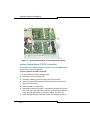
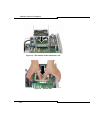
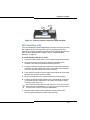
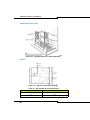
3. Disconnect the fan assembly.
4. Remove the defective fan.
5. Insert the new fan.
6. Replace the fan assembly.
7. Replace the front panels (see page 142).
8. Power up the unit (see page 142).
146