1
Supplementary features
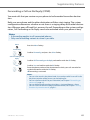
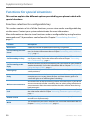
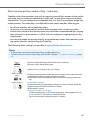
Substituting for a team partner
Your team partner is called. The Team key flashes. You know that your team partner is
not at his desk at present and therefore decide to answer the call.
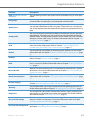
You can answer the call using the Team key. As soon as you have answered the call,
your team partner is free again.
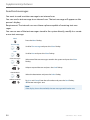
While the Team key is flashing:
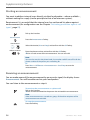
Pick up the handset.
➔You hear the dialling tone.
Press the Team key.
➔You are through to the person who is calling your team partner.
Note:
Depending on the Team key’s configuration, you are immediately connected
with your team partner’s caller as soon as you pick up the handset.
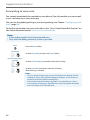
Starting an announcement to a team partner
You want to tell a team partner something without waiting for a reply.
With the Team key you can initiate an announcement to a team partner.
Requirement: It is essential that the team partner has not barred his phone against
announcement (for configuration see the Chapter "Activating protection against call
types", page 81).
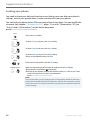
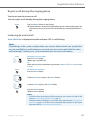
Initiating an announcement to a team partner using a handset:
Pick up the handset.
➔You hear the dialling tone.
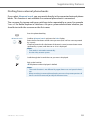
<twice short>
Press the Team key for the team partner twice in quick succession.
➔You hear the acknowledgement tone. The display shows Announcement...
You can now talk.
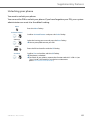
<twice short>
Initiating an announcement to a team partner using hands-free mode:
Press the Team key for the team partner twice in quick succession.
➔You hear the acknowledgement tone. The display shows Announcement...
You can now talk.
Note:
Depending on the Team key’s configuration, you are immediately connected
with your team partner’s caller as soon as you pick up the handset.
eud-1281/1.0 – R1.0 – 12.2010
67