1
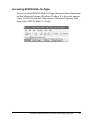
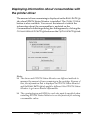
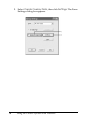
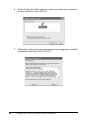
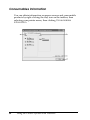
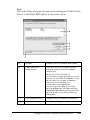
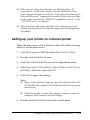
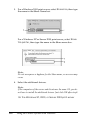
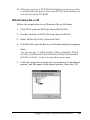
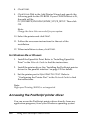
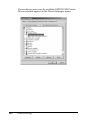
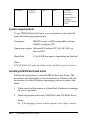
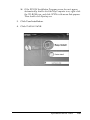
If EPUSBX: (your printer name) is displayed in the “Print to
the following” port drop-down list, then the USB printer
device driver and printer software are installed correctly. If
the correct port is not displayed, proceed to the next step.
11
11
11
11
11
11
11
11
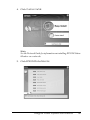
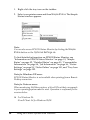
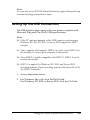
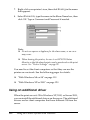
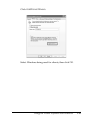
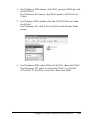
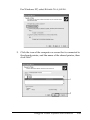
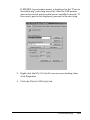
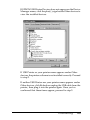
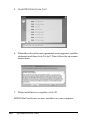
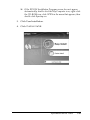
2. Right-click the My Computer icon on your desktop, then
click Properties.
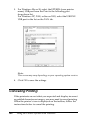
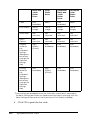
3. Click the Device Manager tab.
11
11
11
11
Troubleshooting
261