1
Call Transfer
43
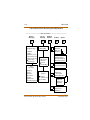
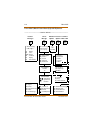
Call Transfer
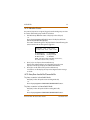
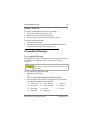
Outside lines can be transferred from one phone to another within the
system. The transfer can be either screened (announced) or unscreened
to either an idle or busy station, an ACD/UCD Group, or a Hunt Group.
Outside line calls can also be transferred to another outside destination
by using a trunk-to-trunk transfer.
Executive/Secretary Transfer
If you are designated the:
Executive station, and your phone is busy or in DND, all calls will be
routed to the Secretary station.
Secretary station, you can signal the Executive that is busy or in
DND by using the Camp On feature.
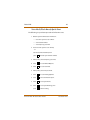
PBX/Centrex Transfer
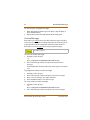
While connected to an outside line (PBX/Centrex):
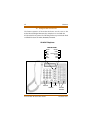
1. Press FLASH. The transfer dial tone sounds.
2. Dial the PBX/Centrex station number.
3. Hang up to complete the transfer.
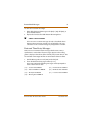
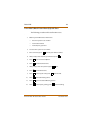
SINGLE LINE TELEPHONE
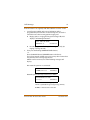
To make a PBX/Centrex Transfer:
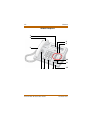
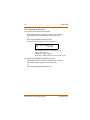
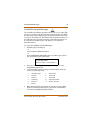
1. Press the FLASH button. An intercom dial tone will sound.
2. Dial [660]. A Flash command is presented to the PBX or Centrex
CO Line (a stutter tone will sound).
3. Dial the desired telephone number.
4. Replace the handset to complete the transfer.
XTS-IP / XTSc-IP Station User Guide
December 2005