1
Document Number: MAN-002000-000
Version 2.6
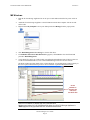
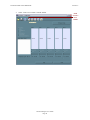
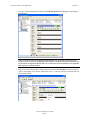
Configure Volumes
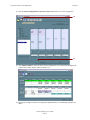
Note: Use the Disk Management utility provided by the OS to delete all SiI 4726 partitions except the un-allocated, un-initialized disk that represents the SteelVine processor. See
“Partitioning volumes” for details.
1.
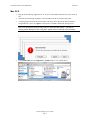
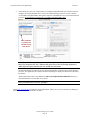
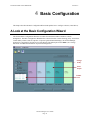
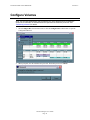
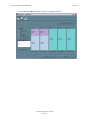
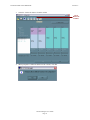
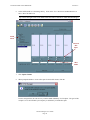
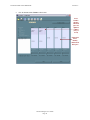
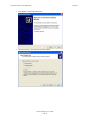
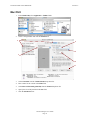
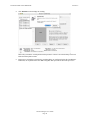
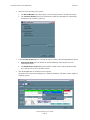
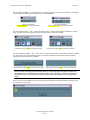
Select Configure Box from the Edit menu or click the Configure Box toolbar button to open the
Configuration Wizard.
2.
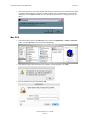
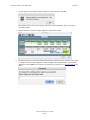
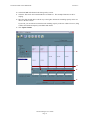
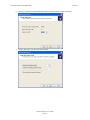
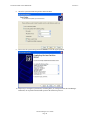
When prompted, enter the administrator password. The default password is admin.
Sil 4726 Manager User’s Guide
Page 18