1
A
2 – Operations and Administration
Spine View Menu
Viewing the Log
NOTE:
Each management spine maintains a separate log.
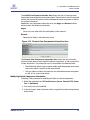
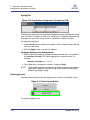
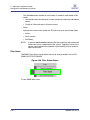
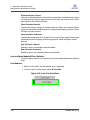
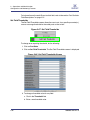
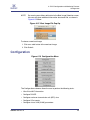
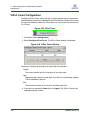
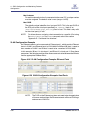
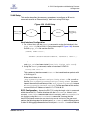
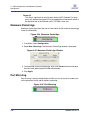
The View Log button allows the user to view the message log.
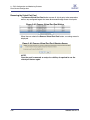
Figure 2-82 View Log Button
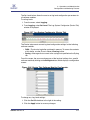
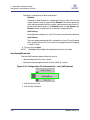
To view the message log:
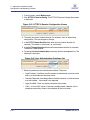
1. From the menu, select Logging.
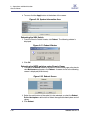
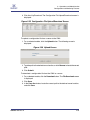
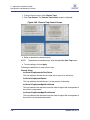
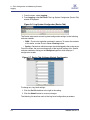
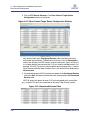
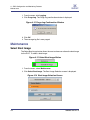
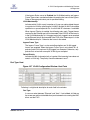
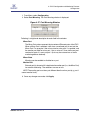
2. Click View Log. The log message window is displayed:
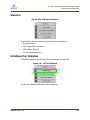
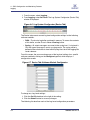
Figure 2-83 Sample Message Log
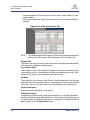
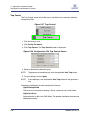
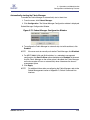
To save a log message for further analysis, perform the following steps:
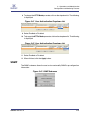
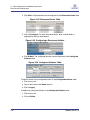
1. From the Messages window, select Edit, Select All (or CTRL + A).
2. Select Edit, Copy (or CTRL + C).
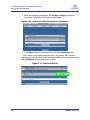
3. Open a text editing package, such as Notepad.
4. Select Edit, Paste (or CTRL + V).
5. Save as a plain text (.txt) file.
D000003-016 Rev. A
2-55