1
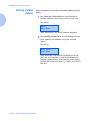
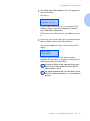
Using the Finisher
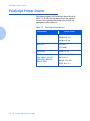
Paper Output
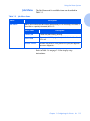
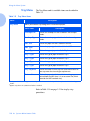
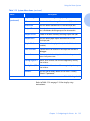
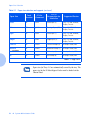
Exception Conditions
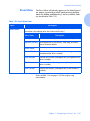
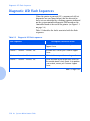
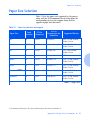
It is possible to send a combination of commands to select
an output destination or feature that cannot be processed
by the printer. Table 1.38 describes printer operations
when these exceptions occur.
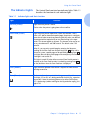
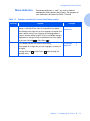
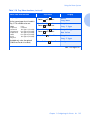
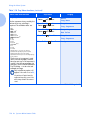
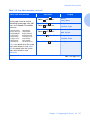
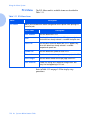
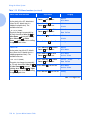
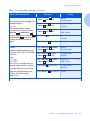
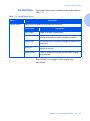
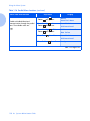
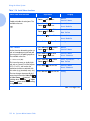
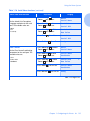
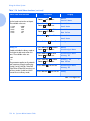
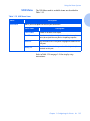
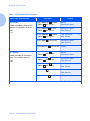
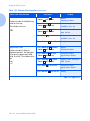
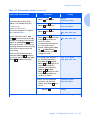
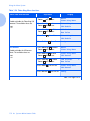
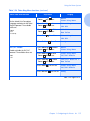
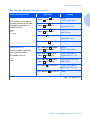
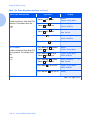
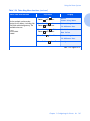
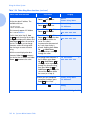
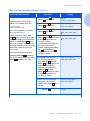
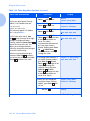
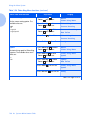
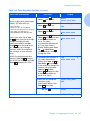
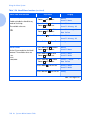
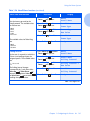
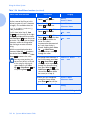
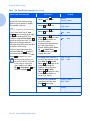
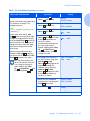
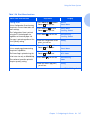
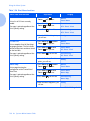
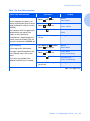
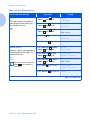
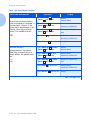
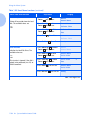
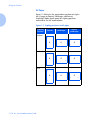
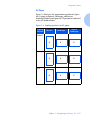
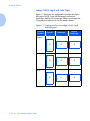
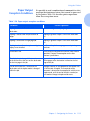
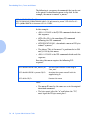
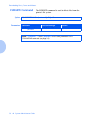
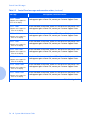
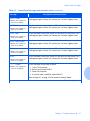
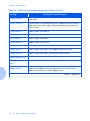
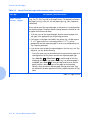
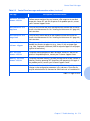
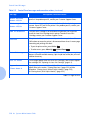
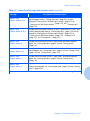
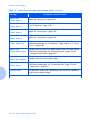
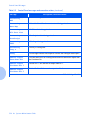
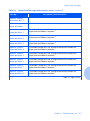
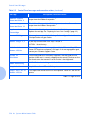
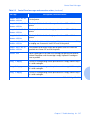
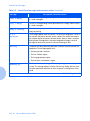
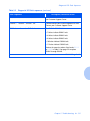
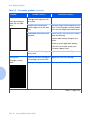
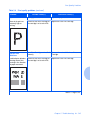
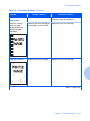
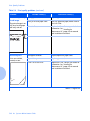
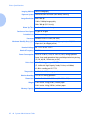
Table 1.38 Paper output exception conditions
Condition
Printer Operation
Stapling is selected without the finisher
destination.
Destination is ignored. Stapling is ignored.
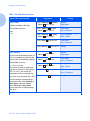
Stapling is selected and the job exceeds 50
pages.
Stapling is ignored. Output is sent to the destination
bin.
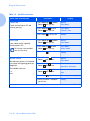
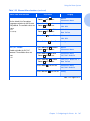
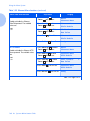
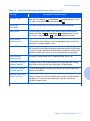
Stapling is selected for a single page job.
Stapling is ignored. Output is sent to the destination
bin.
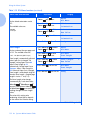
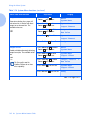
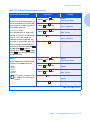
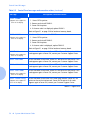
Stapling is selected but the staple cartridge is
empty or not installed.
An “Out of Staples” message appears and printing
continues.
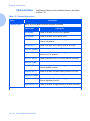
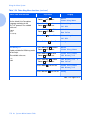
Finisher bin is full.
Diverts output to alternative finisher bin after timeout
specified in Output Timeout option on the User
Interface System Menu.
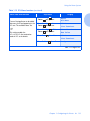
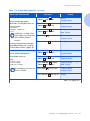
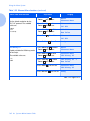
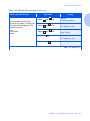
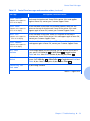
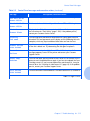
The destination is changed either to or from one
of the finisher Bins that was not the destination
for the first page in the job.
Ignores the changes in the destination and continues to
deliver pages to the destination in effect for the first
page of the job.
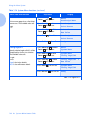
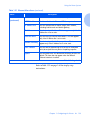
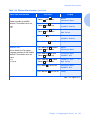
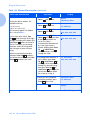
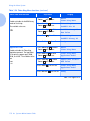
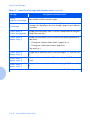
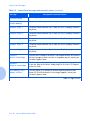
One of the finisher Bins is selected as the
destination and the duplex mode is changed
within the job.
All pages currently in the compiler bin are ejected into
the finisher bin unstapled. The remainder of the
document is directed to the compiler bin with the new
duplex mode, until the end of the job is reached, or
until another change in duplex mode occurs.
Chapter 1: Configuring the Printer
❖ 1-135