1
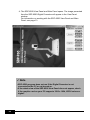
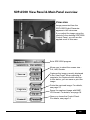
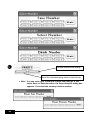
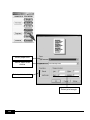
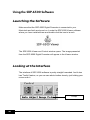
SDP-6500 View Panel & Main Panel overview
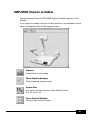
View area
Image presented from the
SDP-6500 Digital Presenter
appears in this view area.
If you adjust the image using the
controls in the desktop SDP-6500
Control Panel, you will see the
applied result in this area.
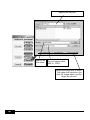
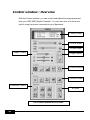
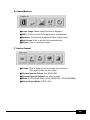
Exits SDP-6500 program
Allows you to select the screen size :
Full, Half, Quarter
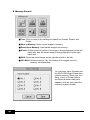
Captures the image currently displayed
in the View Panel. When capturing is
complete, the Capture button discolor.
In this status, you can save or print the
image.
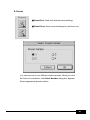
Prints the captured image. For details,
see page 21.
Saves the captured image with BMP,
JPG format. For details, see page 19.
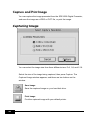
Opens or closes the Control Panel.
For details, see page 14.
13