1
Introduction
Converting Uncontrolled Disk Datasets
Converting Uncontrolled Disk Datasets
Description
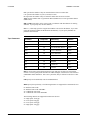
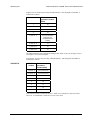
To Convert to
Catalog Control
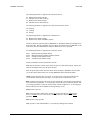
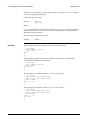
To Convert to Start
Track 1
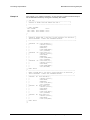
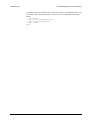
Example
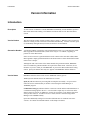
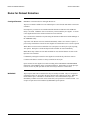
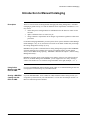
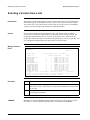
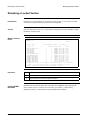
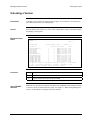
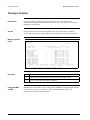
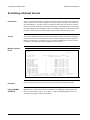
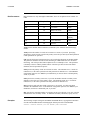
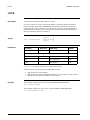
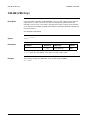
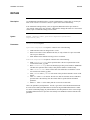
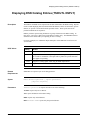
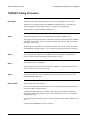
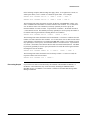
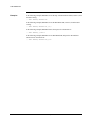
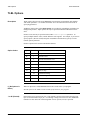
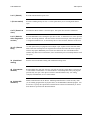
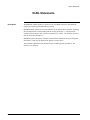
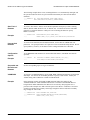
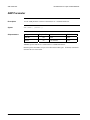
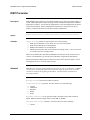
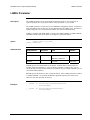
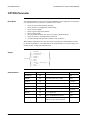
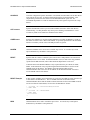
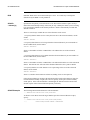
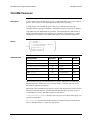
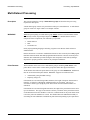
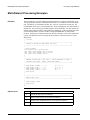
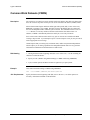
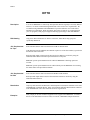
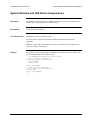
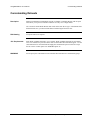
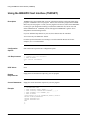
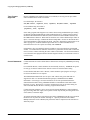
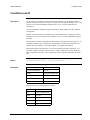
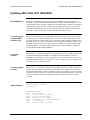
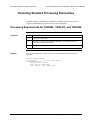
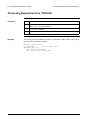
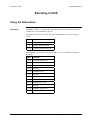
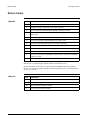
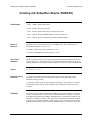
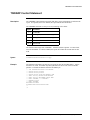
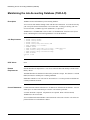
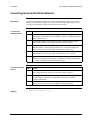
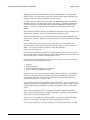
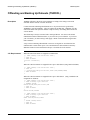
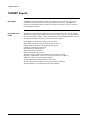
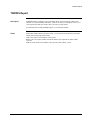
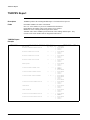
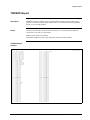
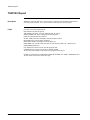
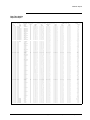
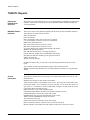
Existing uncontrolled disk datasets can be placed under BIM-EPIC control. Any existing
dataset can be controlled, as long as all its extents reside in a single defined disk pool. You
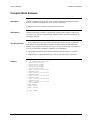
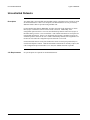
can convert a disk dataset to catalog control or Start Track 1 control.
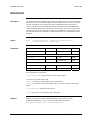
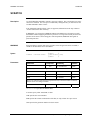
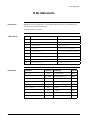
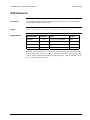
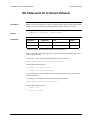
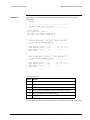
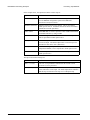
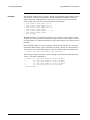
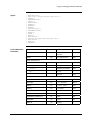
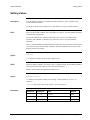
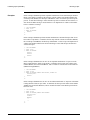
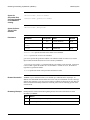
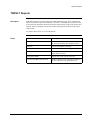
Step
Action
1
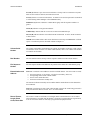
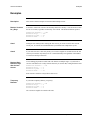
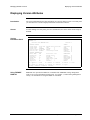
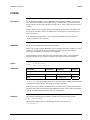
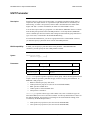
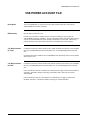
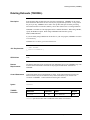
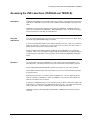
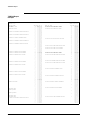
Catalog the dataset name as a work file using the Online Manager (specify “WRK”
on the Define an EDD panel) or the TSIDMNT CATALOG command (specify the
WRK=YES parameter).
2
Renumber the dataset's extents using the TSIDVUT RENUM function. BIMEPIC-controlled disk files must begin with extent sequence number 1.
3
Change the dataset’s VTOC expiration date to permanent using the TSIDVUT
RETAIN function. Catalog-controlled disk files are scratched according to the
retention criteria specified in the EDD, not the VTOC expiration date.
4
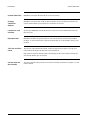
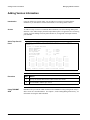
Add the version to the DSN catalog using the Online Manager or the TSIDMNT
ADD command. Be sure to specify the version block size, if it is known.
5
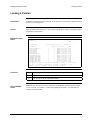
If generation retention for the dataset has been specified, update the file type from
WRK to GEN using the Online Manager or TSIDMNT UPDATE command after
the existing version has been added to the DSN catalog.
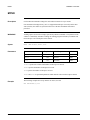
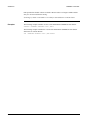
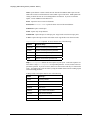
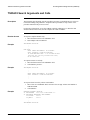
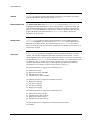
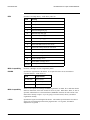
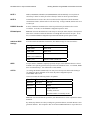
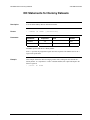
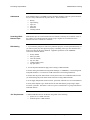
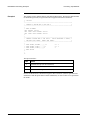
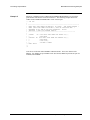
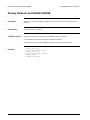
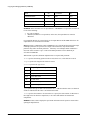
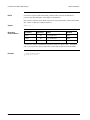
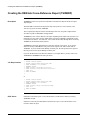
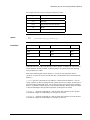
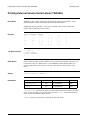
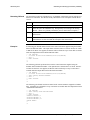
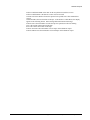
Step
Action
1
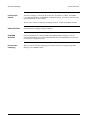
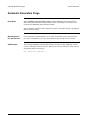
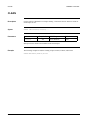
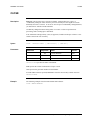
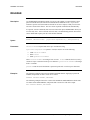
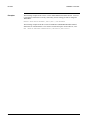
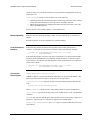
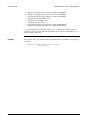
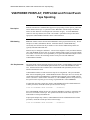
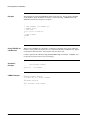
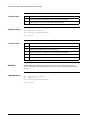
Renumber the dataset's extents using the TSIDVUT RENUM function. BIMEPIC-controlled disk files must begin with extent sequence number 1.
2
If necessary, change the dataset’s VTOC expiration date using the TSIDVUT
RETAIN function. Expired files in a BIM-EPIC disk pool are eligible for
immediate reallocation.
3
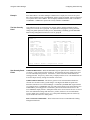
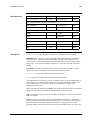
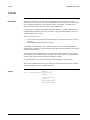
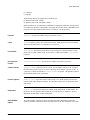
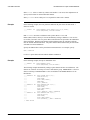
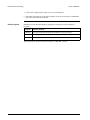
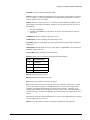
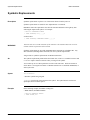
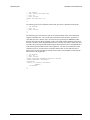
Change the dataset's EXTENT statements to specify a starting track of 1, or
whatever number was specified in the STRTRK configuration option.
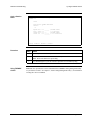
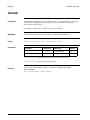
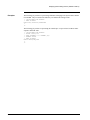
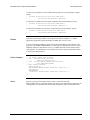
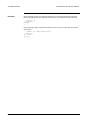
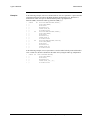
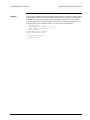
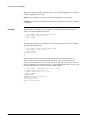
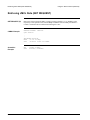
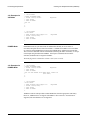
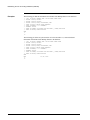
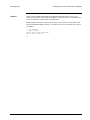
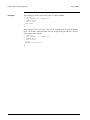
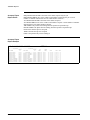
// EXTENT SYS001,POOL50,1,0,1,10
Chapter 13. Disk Space Management
13-5