1
DITTO
DITTO
Description
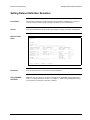
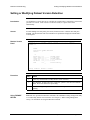
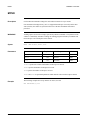
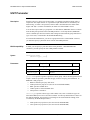
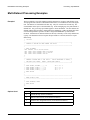
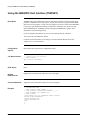
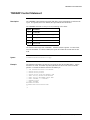
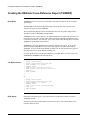
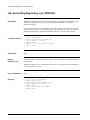
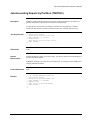
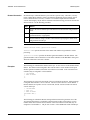
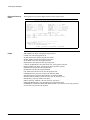
You can use BIM-EPIC to control tape and sequential disk files logically accessed by DITTO.
However, we do not recommend using DITTO due to the excessive JCL requirements. We
recommend using TSIDDTD and TSIDDMP for equivalent functions each of which have
minimal JCL requirements. When card-image processing is required, we recommend using
your sort program (if that program supports card-image processing) or IDCAMS REPRO.
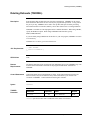
DSN Catalog
Only prime dataset definitions are allowed. Therefore, multi-dataset tape groups are
specifically disallowed.
JCL Requirements
for Tape
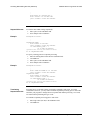
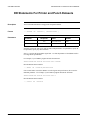
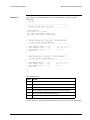
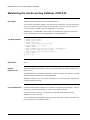
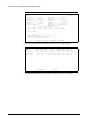
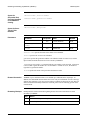
Each controlled dataset must be defined with a TLBL or DD statement.
LUB allocation must be inhibited since DITTO requires use of the SYS number(s) specified in
the DITTO control statement.
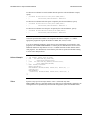
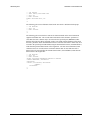
Both input and output volumes must be allocated before DITTO is invoked by using the
TSIDASS OPEN function and then repositioned back to load point.
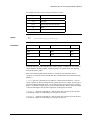
BIM-EPIC special option EPS022 must be enabled if BIM-EPIC reblocking options are
invoked.
BIM-EPIC special option EPS029 must be enabled which prevents BIM-EPIC from clearing
the dataset name from input label statements.
JCL Requirements
for Disk
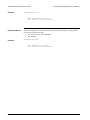
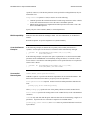
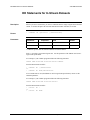
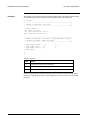
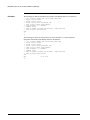
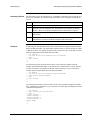
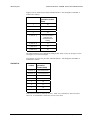
Each controlled dataset must be defined with a DLBL or DD statement
Both input and output datasets must be allocated before DITTO is invoked by using the
TSIDASS OPEN function.
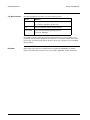
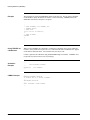
Restrictions
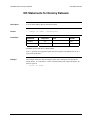
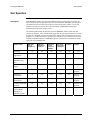
Only Tape File functions and Disk (also called Sequential or SAM) File functions can be used
with BIM-EPIC controlled datasets. Basic Tape functions and Basic Disk functions cannot be
used with BIM-EPIC since those functions do not use logical IOCS.
Examples
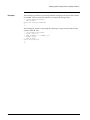
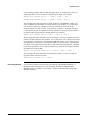
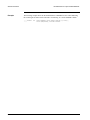
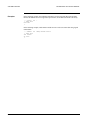
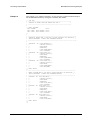
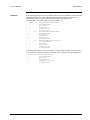
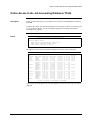
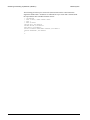
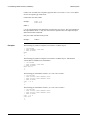
Many sample job streams for DITTO applications are supplied when BIM-EPIC is installed.
Please see the BIM-EPIC Installation and System Guide, "BIM-EPIC Sample Jobstreams".
Chapter 7. Running Jobs With BIM-EPIC
7-47