1
R-82FBST English
26/08/2004
08:56
Page 19
OTHER CONVENIENT FUNCTIONS
1. LESS / MORE button.
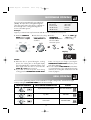
The LESS ( ▼ ) and MORE ( ▲ ) buttons allow you to easily decrease or increase programmed setting times, (for
a less well or more well cooked result), used in automatic operations or cooking time while in operation.
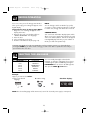
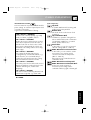
a) Changing the pre-programmed time setting.
Example:
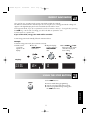
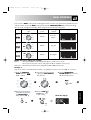
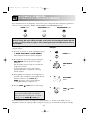
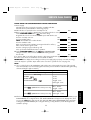
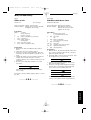
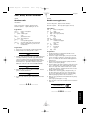
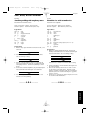
Suppose you want to cook 0.4 kg Grill Skewers using the AUTO COOK button and MORE ( ▲ ) button.
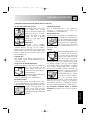
1. Choose the desired
result (well cooked)
by pressing the
MORE ( ▲ ) button
once.
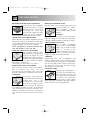
2. Select AUTO COOK
(Grill Skewers) by
pressing the AUTO
COOK button once.
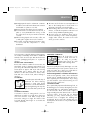
3. Enter the amount
by rotating the
TIME/WEIGHT
dial clockwise.
x1
4. Press the START
/
+1MIN button once
to start cooking.
x1
x1
Display:
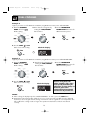
NOTE:
To cancel LESS or MORE, press the same button again.
To change MORE to LESS simply press the LESS ( ▼ ) button.
To change LESS to MORE simply press the MORE ( ▲ ) button.
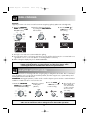
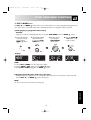
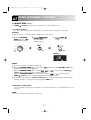
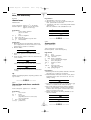
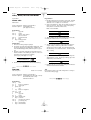
b) Adjusting the heating time while oven is operating.
During the manual cooking process, the cooking time can be decreased or increased in 1 minute steps each
time the LESS ( ▼ ) and MORE ( ▲ ) buttons are pressed.
ENGLISH
NOTE:
You can use this function for manual cooking only.
19